
lans.cloud

Classroom Jobs Chart Generator

Free classroom jobs chart generator: enter your class list and jobs, get a mathematically fair rotation where every student does every job — printable, with an ad-free fullscreen mode for the smartboard.

Was this tool helpful?
Support this site

The Chart That Ends “It’s Not My Turn”

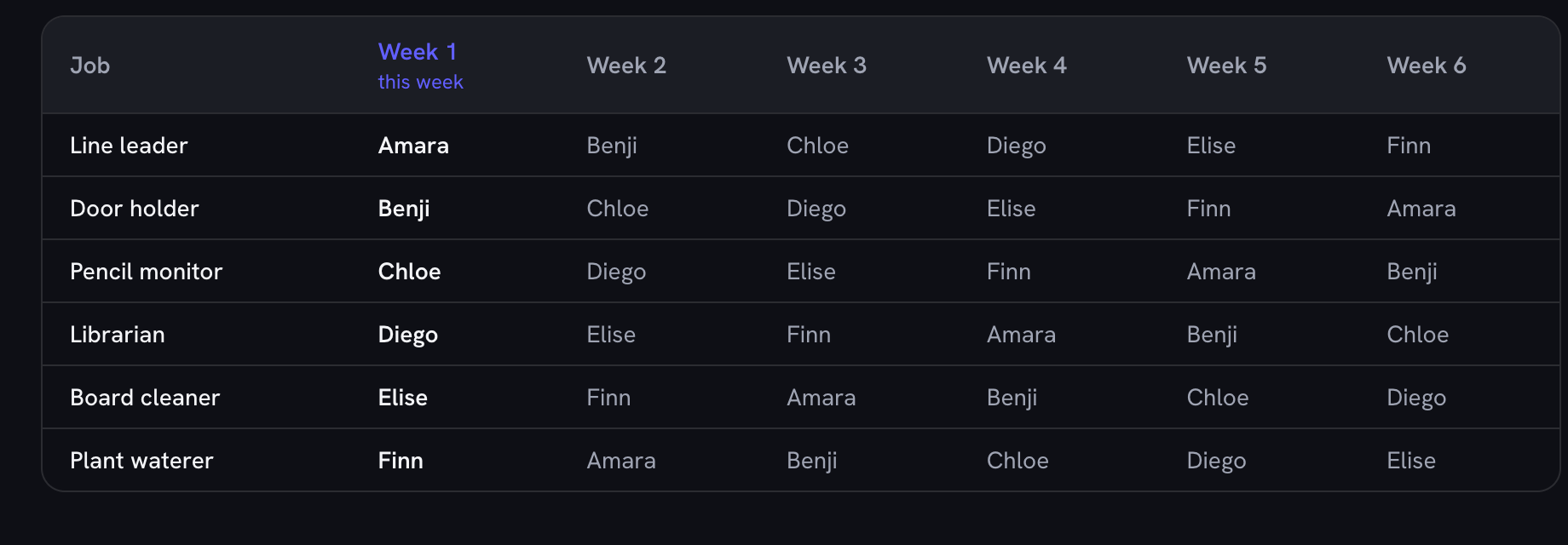
A classroom jobs chart does two things at once: it distributes the small work that keeps a room running, and it teaches responsibility — but only if students believe the rotation is fair. Hand-rotating name cards every Monday morning works until the week you forget, and the same child ends up line leader twice while another waits a month. This generator does the rotation with arithmetic instead of memory: every week, every job slides one student down your roster. Nobody repeats a job until the whole class has had it, and nobody works two jobs in the same week.

Set It Up Once in September

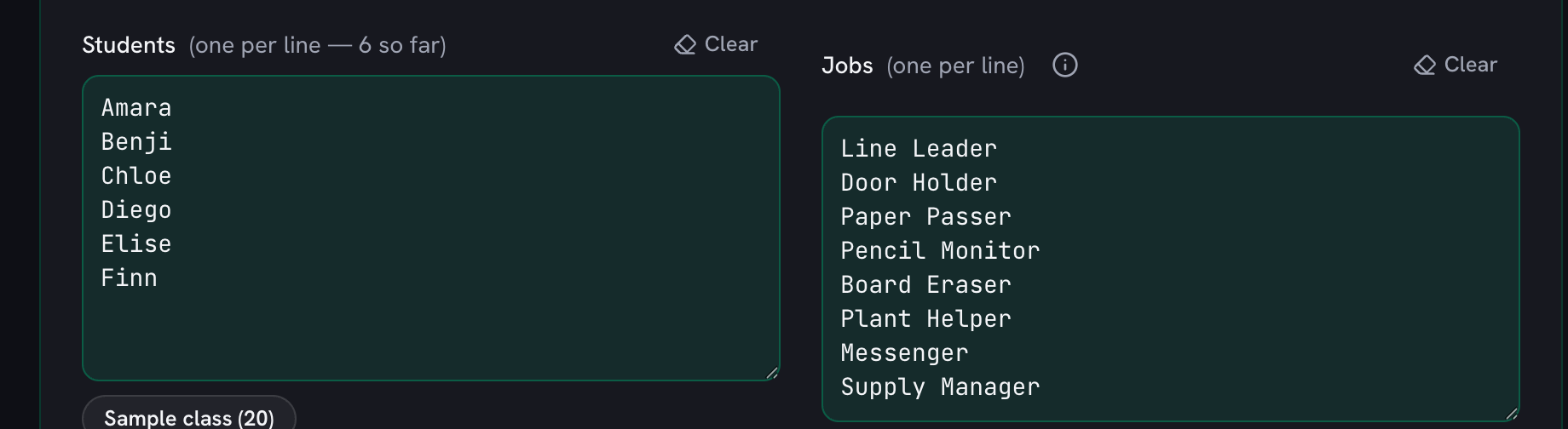
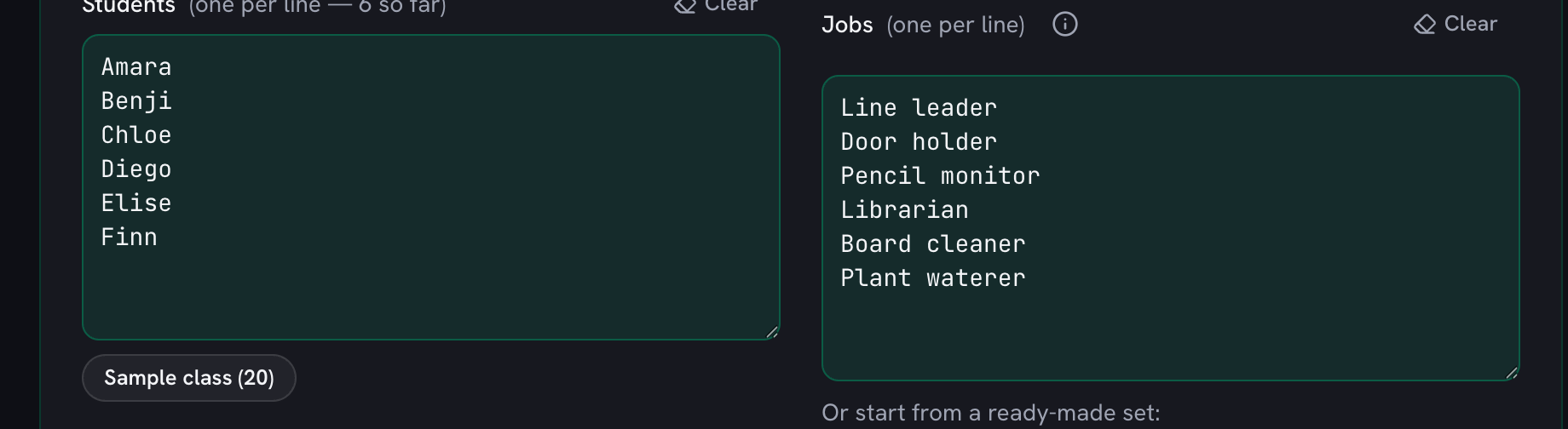
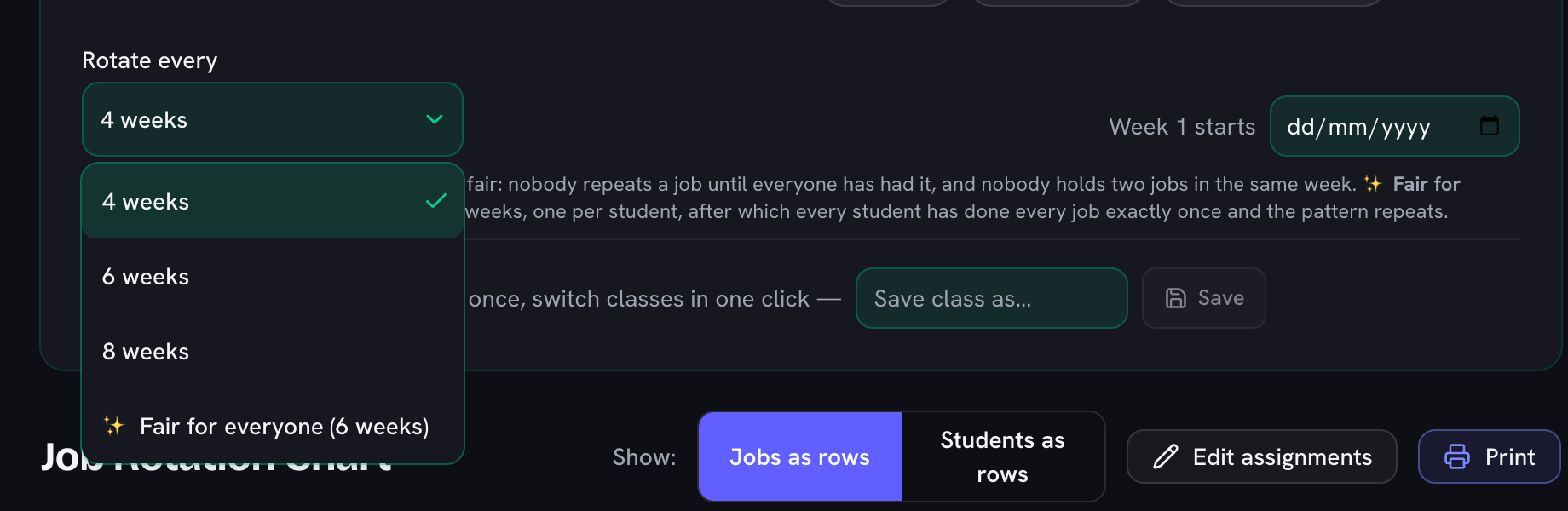
Paste your class list, keep or edit the starter jobs (the full reference list below has thirty ideas with duties and grade bands), and pick how many weeks to show — four for a monthly wall chart, or a full cycle so every student sees exactly when each job comes to them. Print it for the wall, or put it on the smartboard in the ad-free fullscreen mode during Monday morning meeting; this week's column is highlighted. Your roster never leaves the browser, and it stays saved on your device for the next time you open the page.

Make It Part of the Routine

Teachers who keep job charts alive all year tend to do three things: rotate weekly (monthly rotations make jobs feel like chores), keep the job count around six to ten so turns come often, and let the chart — not the teacher — be the authority when someone asks whose turn it is. Pair it with the classroom timer for cleanup sprints and the seating chart generator when the new rotation calls for a new arrangement.
30 classic classroom jobs, with duties and grade bands

JobWhat they doGrades
Line LeaderLeads the line to lunch, specials, and dismissal.K–5
Door HolderHolds doors for the class in the hallway.K–5
CabooseWalks last in line and closes doors behind the class.K–3
Paper PasserHands out worksheets, notices, and graded work.K–6
Paper CollectorCollects finished work and stacks it neatly.K–6
Pencil MonitorKeeps the pencil cups sharpened and stocked.K–5
LibrarianKeeps the class library shelves tidy and books facing out.1–6
Board EraserCleans the whiteboard at the end of each lesson.K–6
Light MonitorTurns lights off and on when the class leaves or watches video.K–3
Plant HelperWaters classroom plants on schedule.K–6
Pet HelperFeeds the class pet and reports anything odd.2–6
Calendar HelperUpdates the date, weather, and days-in-school count.K–2
MessengerDelivers notes and errands to the office or other rooms.2–6
Lunch Count HelperTakes the lunch count to the cafeteria or enters it.K–4
Attendance HelperCarries the attendance folder or checks names off.1–5
Supply ManagerHands out and collects scissors, glue, and math tools.K–6
Technology HelperPlugs in devices, hands out tablets, reports issues.2–6
Table CaptainMakes sure their table is cleared and pushed in.K–5
Floor InspectorSpots and clears paper scraps before dismissal.K–4
Recycling MonitorEmpties the class recycling into the big bin.K–6
Trash HelperHolds the bin during cleanup sweeps.K–4
Hand Sanitizer HelperPumps sanitizer at the door before lunch.K–2
GreeterWelcomes visitors and new students at the door.1–6
Substitute HelperExplains routines when there's a guest teacher.3–6
Homework CheckerChecks the turn-in tray against the class list.3–6
Ball MonitorBrings recess equipment out and back in.1–5
Snack HelperDistributes snack and wipes tables after.K–3
Chair StackerStacks chairs at the end of the day.K–5
Mail SorterPuts flyers and notes into student mailboxes.1–5
Time KeeperWatches the clock and warns before transitions.3–6

Copy any of these into the jobs list — the chart adjusts instantly. Most classrooms run 6–10 jobs at a time.

Frequently Asked Questions

How does the job rotation stay fair?

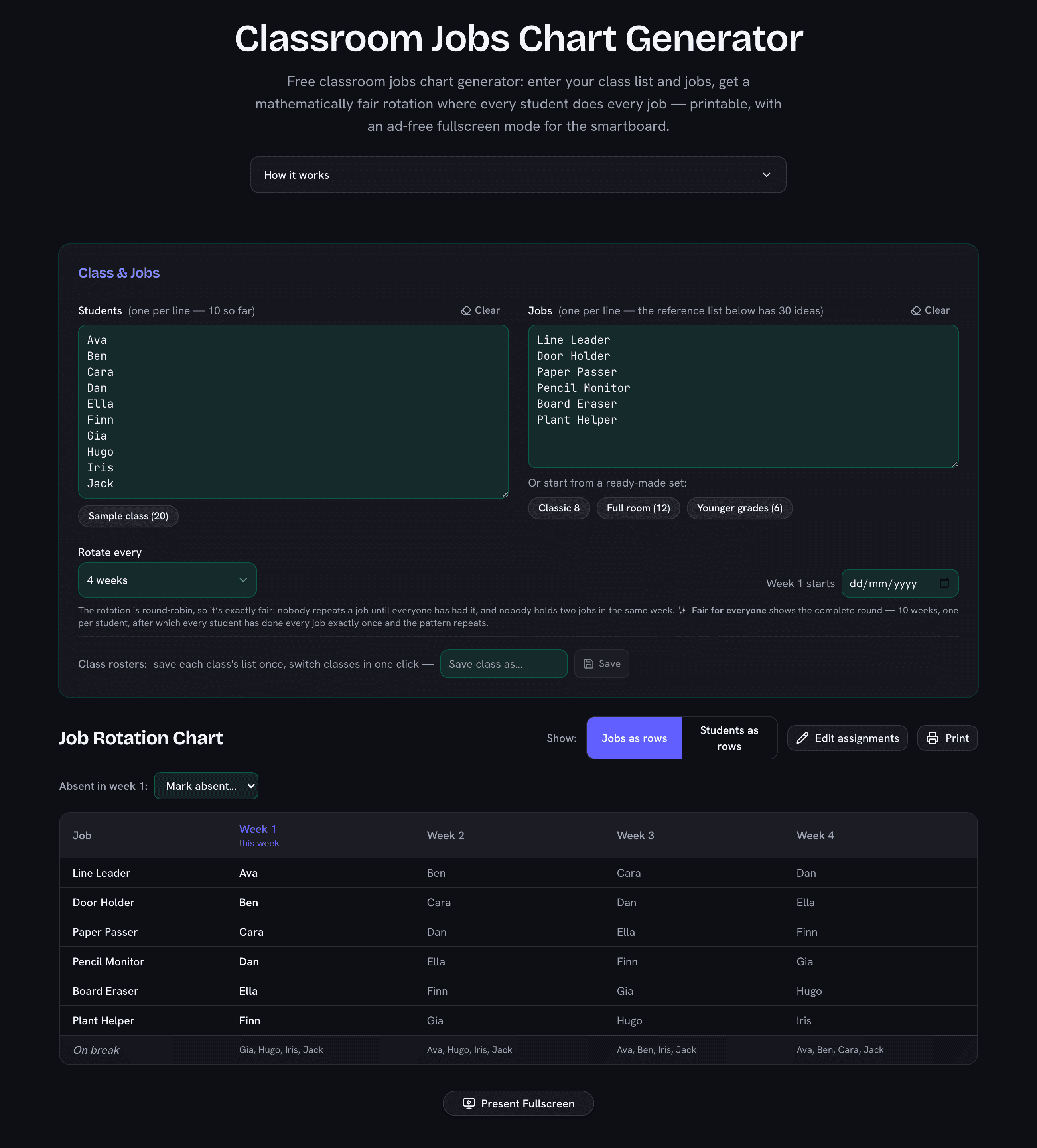
It uses a round-robin: each week every job moves to the next student in your roster order. Over a full cycle (one week per student) every student does every job exactly once and nobody ever holds two jobs in the same week — the fairness is mathematical, not a lucky draw.

What are good classroom jobs to assign?

The reference list on this page has 30 classic jobs with duties and grade bands — line leader, door holder, paper passer, plant helper, technology helper and more. Most teachers run 6–10 jobs at a time so the chart stays readable and everyone gets a turn within the term.

Can I print the chart?

Yes — the Print button produces a clean chart for the classroom wall. You can also show it on the smartboard with the ad-free fullscreen mode, with this week’s column highlighted.

What happens to students without a job in a given week?

They appear in the "On break" row for that week. The rotation cycles them back in automatically — breaks are spread exactly as evenly as the jobs are.

Is my class list uploaded anywhere?

No. The roster, jobs, and chart exist only in your browser — there is no server that receives them. Closing the tab keeps your list saved locally for next time on the same device.

Classroom jobs chart generator showing a four-week fair rotation for six jobs across ten students
Ten students, six jobs, four weeks — every job slides one student down the roster each week, so it's exactly fair.