

lans.cloud

Minute to Win It Timer

Free minute to win it timer: a game-show-sized 60-second countdown with warning ticks, a proper buzzer, and per-player win tracking. Round lengths from 30s blitz to 120s team challenges. No app needed.

Was this tool helpful?
Support this site

The Missing Third of Every Minute-to-Win-It Night

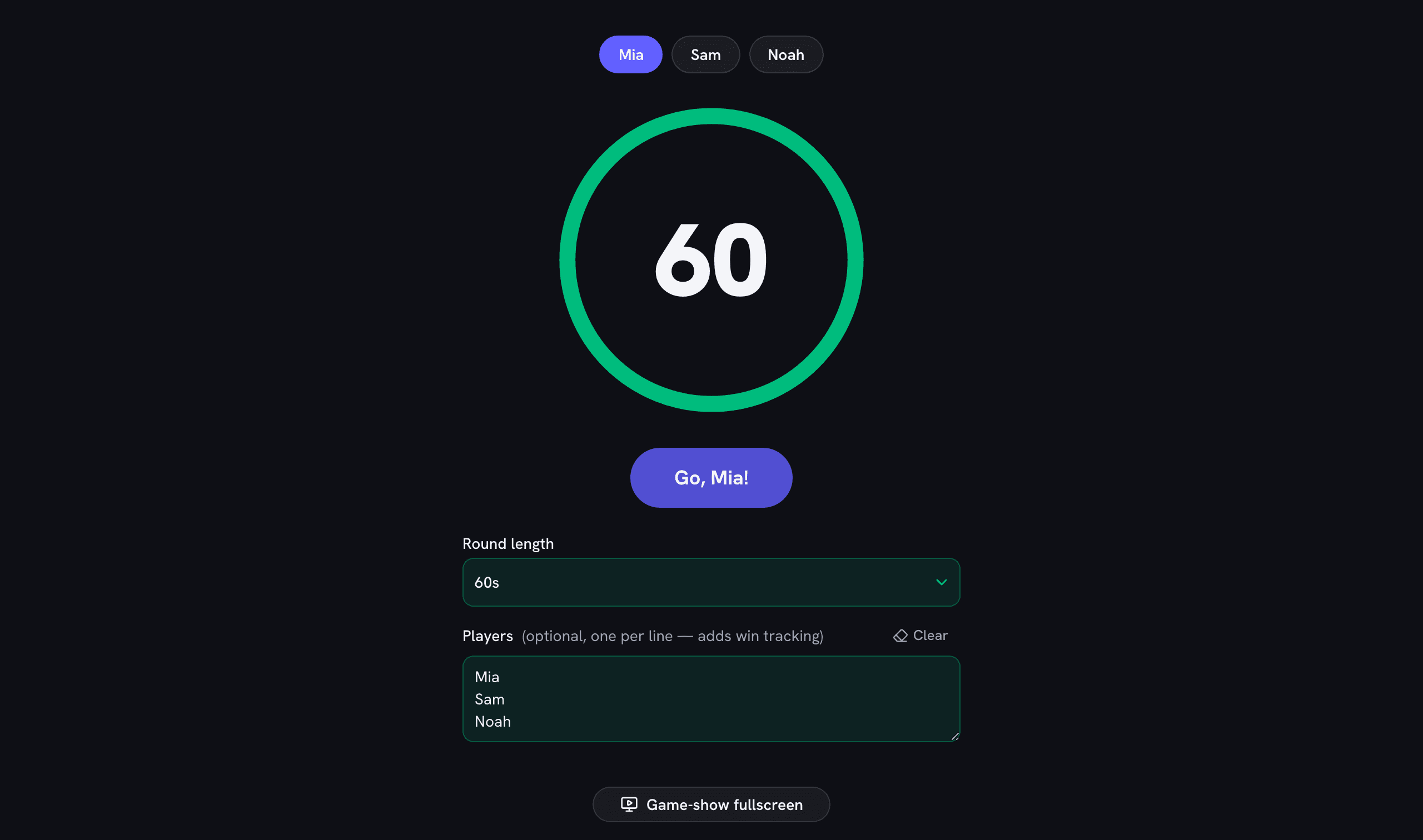
The internet is overflowing with minute-to-win-it challenge lists — stack the cups, bounce the ball, shake the tissue box — but when the party actually starts, someone ends up fumbling with a phone stopwatch nobody can see. This is the missing piece: a game-show-sized countdownwith a shrinking ring, warning ticks through the final ten seconds that rise in pitch for the last three, and a proper buzzer that settles every "I finished in time!" argument before it starts.

Turn a Timer Into a Tournament

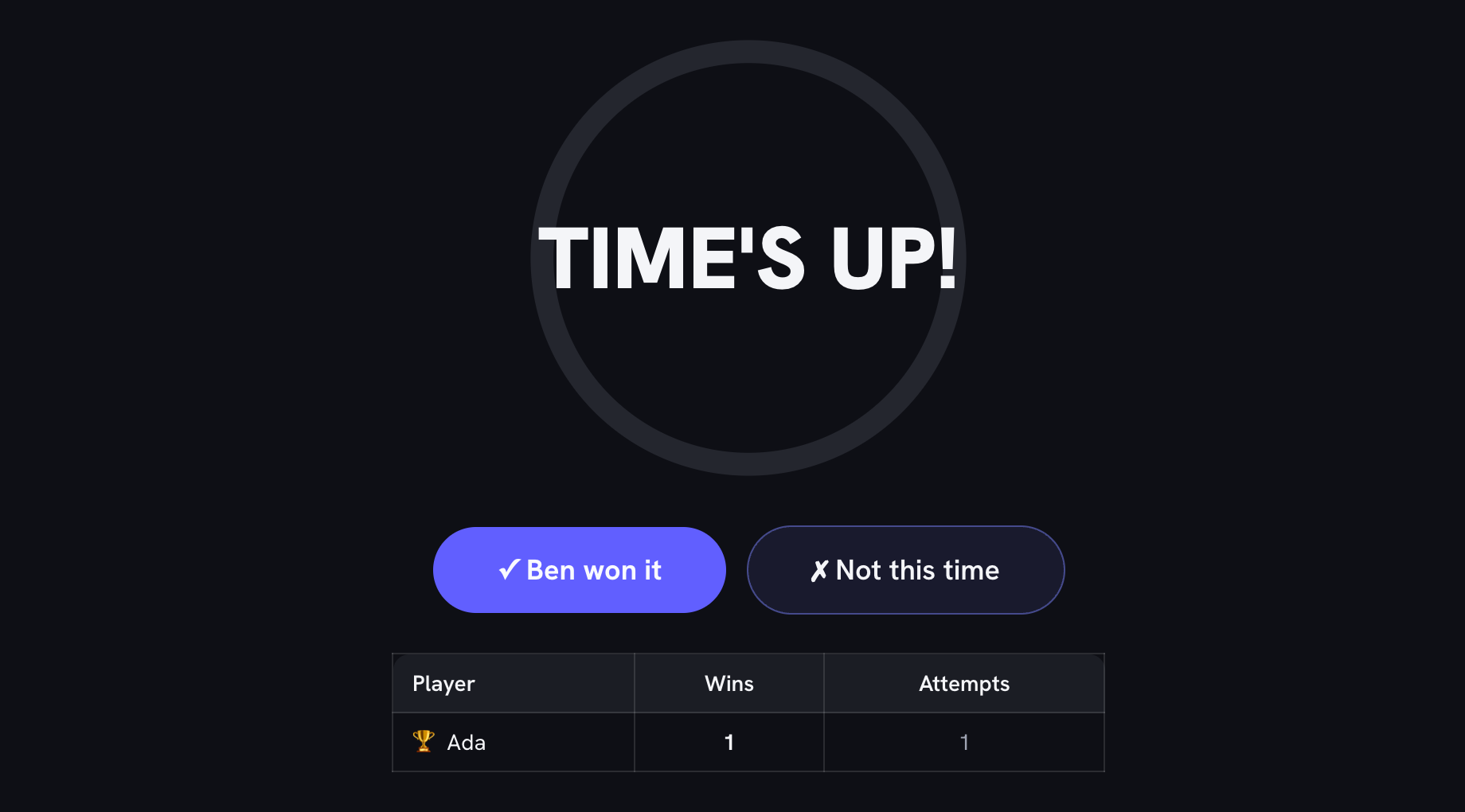
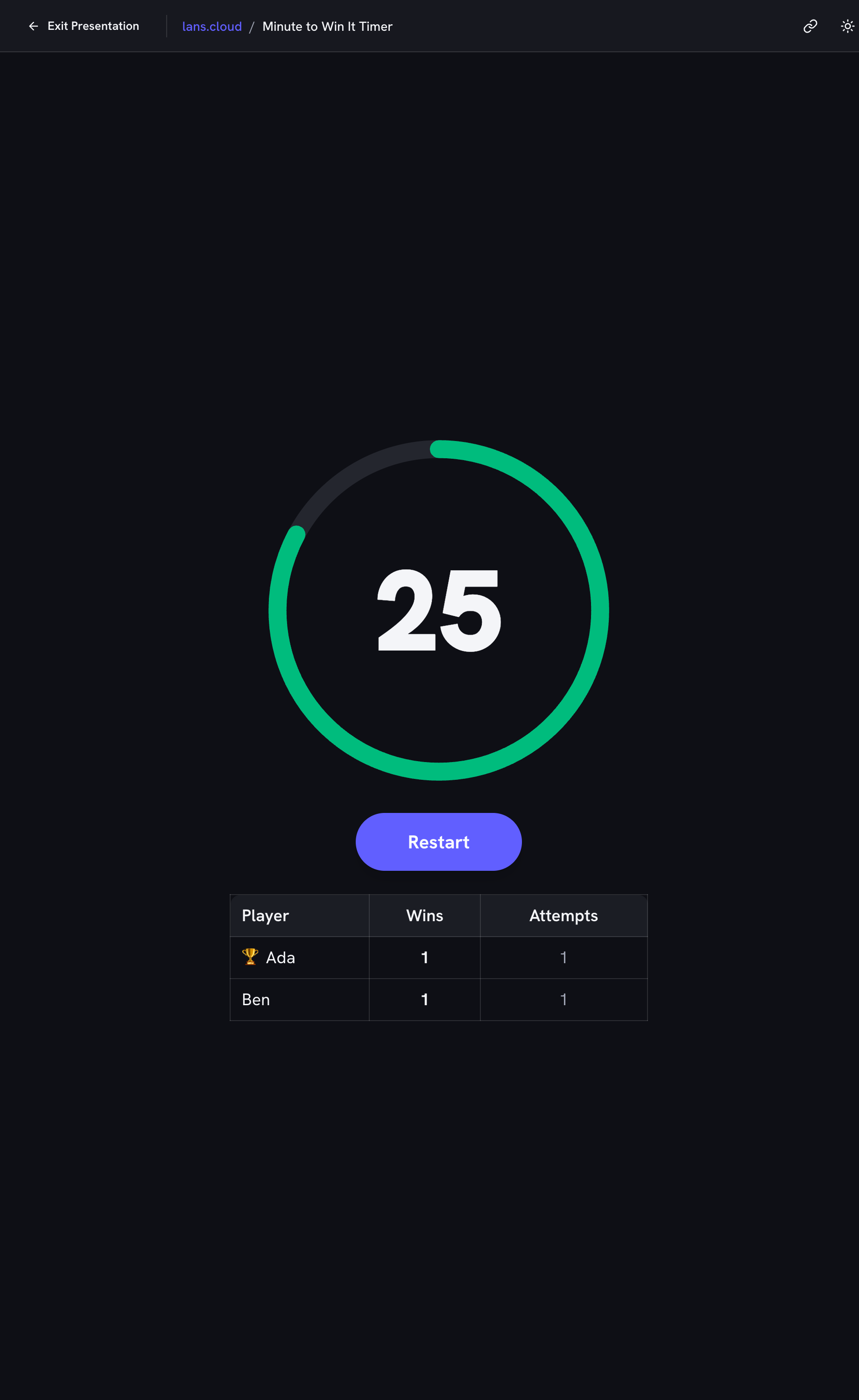
Add the players once and every round becomes part of the night's story: tap whose turn it is, run the minute, and record ✓ or ✗ at the buzzer. The standings table keeps wins and attempts, crowns the leader, and — by design — forgets everything when the party ends. Your roster and round length are saved in the browser, so game night two starts in one tap.

Not Everything Takes a Minute

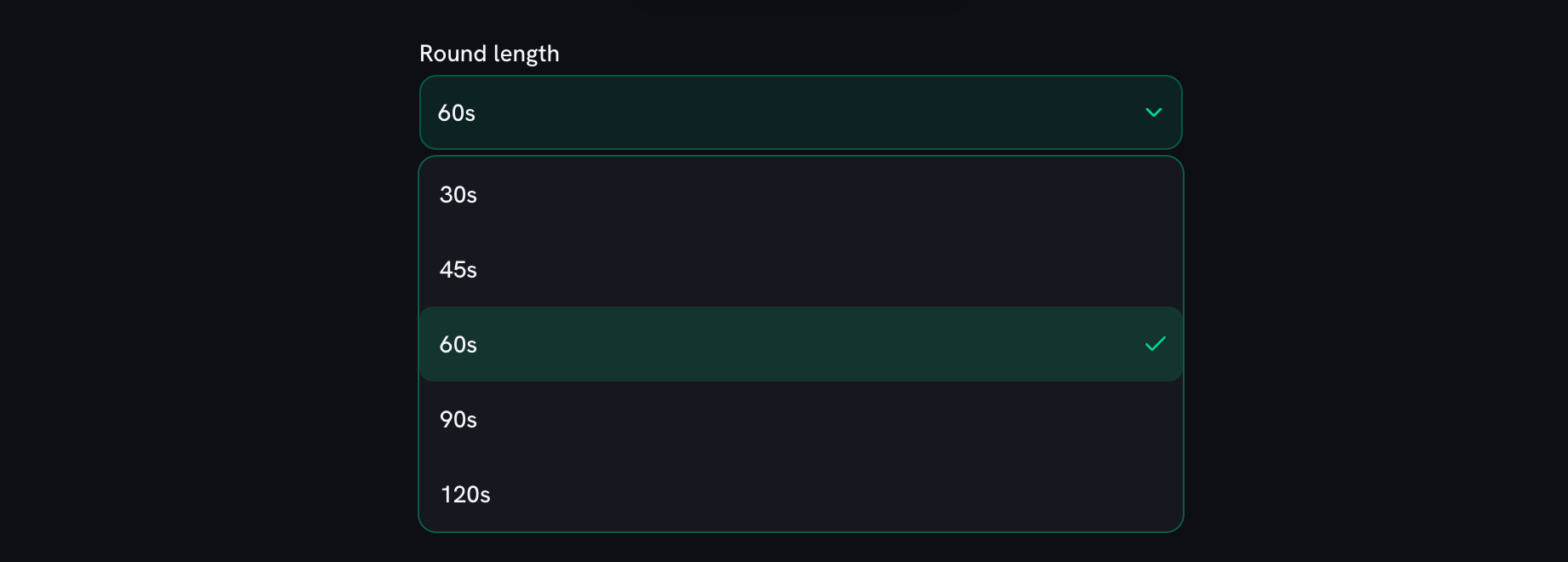
The 60-second round is the format's namesake, but hosts learn quickly that a good night mixes lengths: 30-second blitzes keep a big group moving, 90 or 120 seconds fit builds and team relays, and shorter rounds suit younger kids who lose steam mid-minute. The reference table below pairs each length with the challenge types it fits.

Build the Whole Game Night Here

Pick the next challenger with the wheel or the name picker, run pass-the-parcel between rounds with the random-stop music timer, keep team scores on the scoreboard, and when someone claims they finished in time — settle it with the lie detector (results may vary).
Round lengths and what they fit

LengthBest for
30 secondsBlitz round — dead-simple tasks (stack 5 cups)
45 secondsWarm-up round or younger players
60 secondsThe classic — the format the show made famous
90 secondsTrickier builds and steadier hands
120 secondsTeam challenges and two-part tasks

The same lengths the timer offers — 60 seconds is the classic; mix lengths to keep a big group moving.

Frequently Asked Questions

What do I need to run minute to win it games?

Three things: household props (cups, marshmallows, ping-pong balls…), a challenge list, and a timer everyone can see and hear — this page is the third one. Put it in game-show fullscreen on a TV or tablet, pick the player, press start, and the ring counts the minute down with warning ticks and a buzzer at zero.

Does the timer have a buzzer at the end?

Yes — a proper low game-show buzzer at zero, plus tick sounds for the last 10 seconds (they speed up in pitch for the final three) so players feel the pressure without watching the screen. All sound is generated in the browser; nothing to download.

Can it keep score between players?

Yes — add player names (one per line) and tap whose turn it is before each round. After the buzzer you mark ✓ won it or ✗ not this time, and the standings table tracks wins and attempts with the leader crowned 🏆. The roster is remembered in your browser; the scores reset with the page, like a good party should.

Do rounds have to be exactly 60 seconds?

The classic is 60 (the show is literally named after it), but the timer also offers 30 and 45 seconds for blitz rounds and younger players, and 90 or 120 for trickier builds and team challenges. The table on this page suggests which lengths fit which challenge types.

Does it work in a classroom?

Very well — minute-to-win-it rounds are a favorite brain break and reward-day format. The fullscreen mode is ad-free and projector-friendly, and if you need activity ideas, our brain break generator has a classroom-safe list to pull from.

Minute to win it timer showing the countdown ring mid-game with player chips and the standings table
The ring turns amber for the final ten seconds — ticks speed up, then the buzzer settles it.