What is the Random Name Picker?
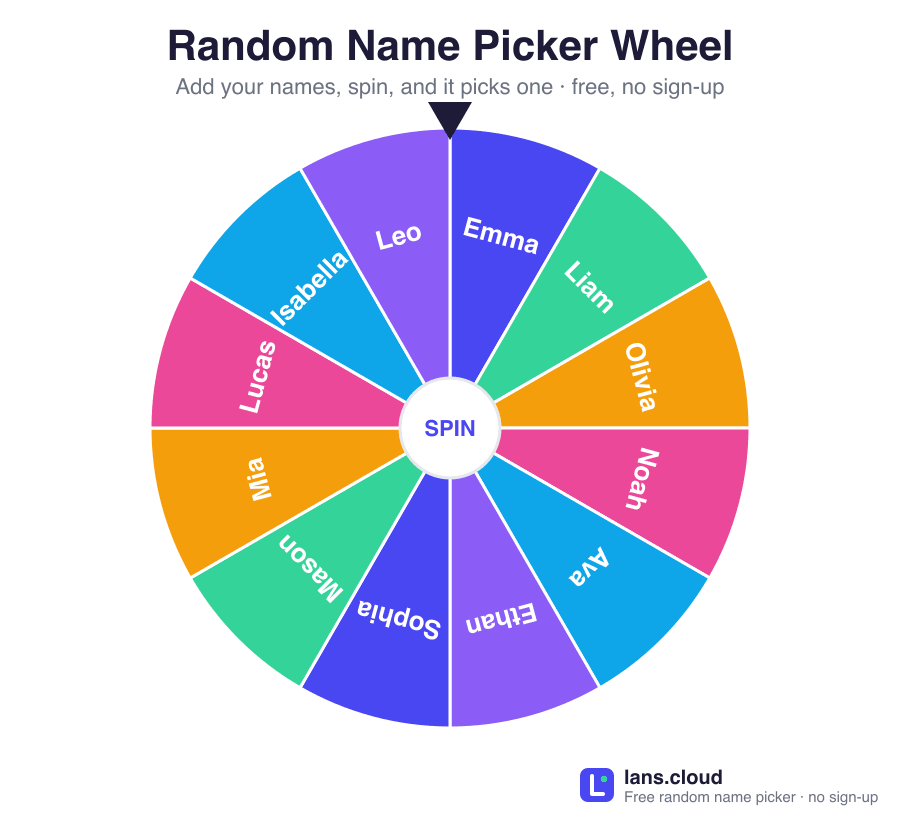
The Random Name Picker is a free spinning wheel that selects one name at random from your list — perfect for choosing which student answers the next question, who presents first, or who wins a small prize. Type or paste your class roster (one name per line), click Pick a Name, and the wheel spins to a fair, random result with a fun celebration.
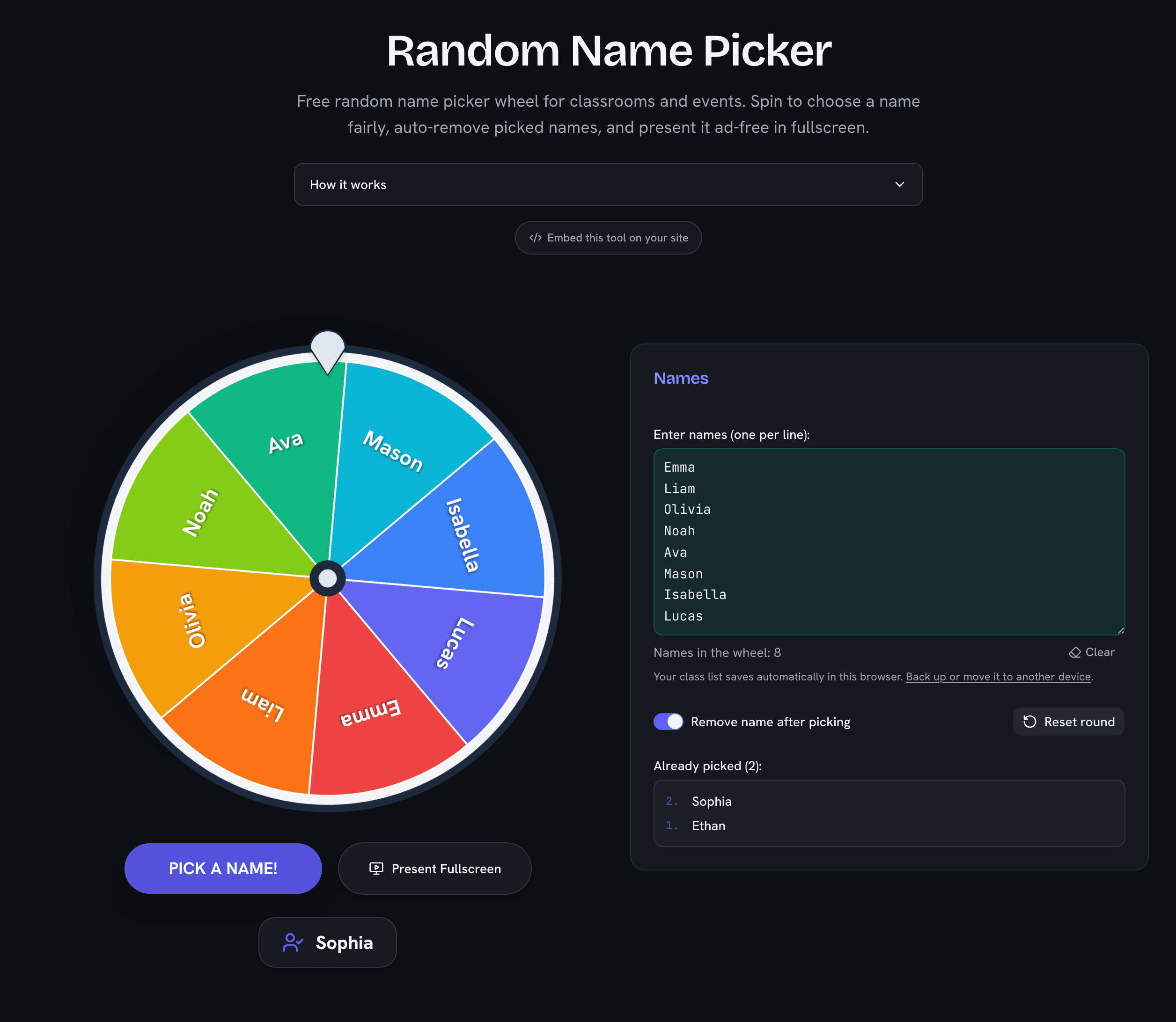
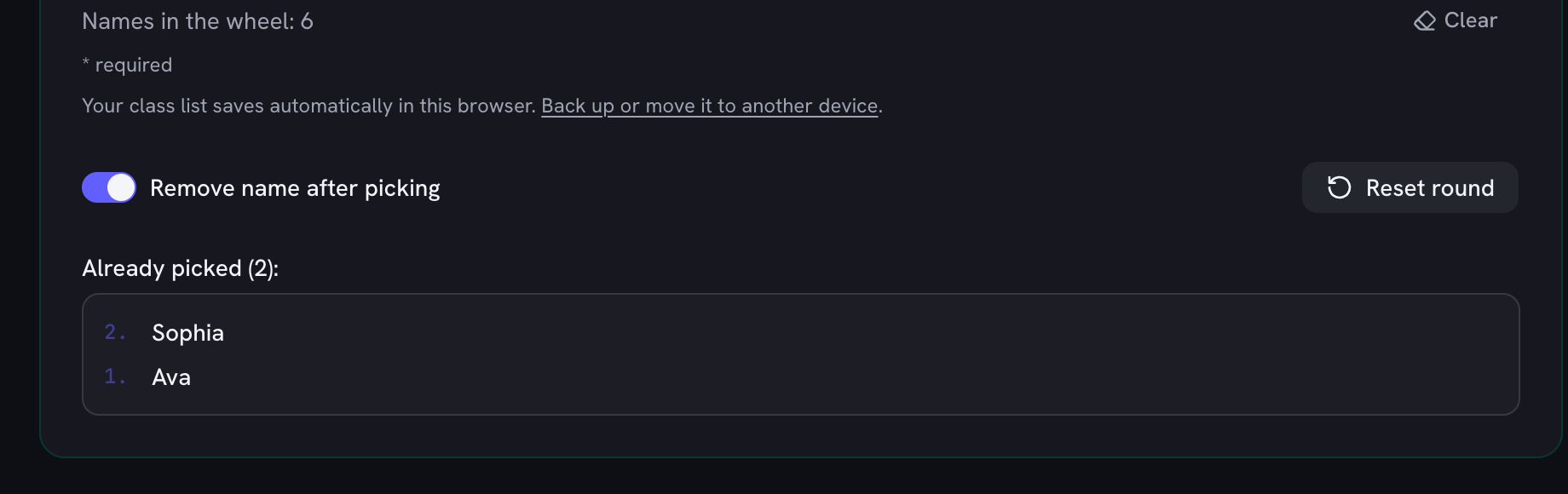
It was built with teachers in mind: picked names are automatically moved to an “already picked” list so nobody gets chosen twice, and one click on Reset round puts everyone back in the wheel for the next activity. Your list is saved in your browser, so your class roster is right there when you come back tomorrow.
Ad-Free Fullscreen Mode for Classrooms
Projecting a website in front of a class usually means projecting its advertisements too. Our picker has a dedicated ad-free fullscreen presentation mode: click Present Fullscreen and you get a large, clean wheel with zero ads, banners, or clutter — just the wheel and your students’ names. It works great on interactive whiteboards, projectors, and shared screens in video calls.
How to Use the Name Picker
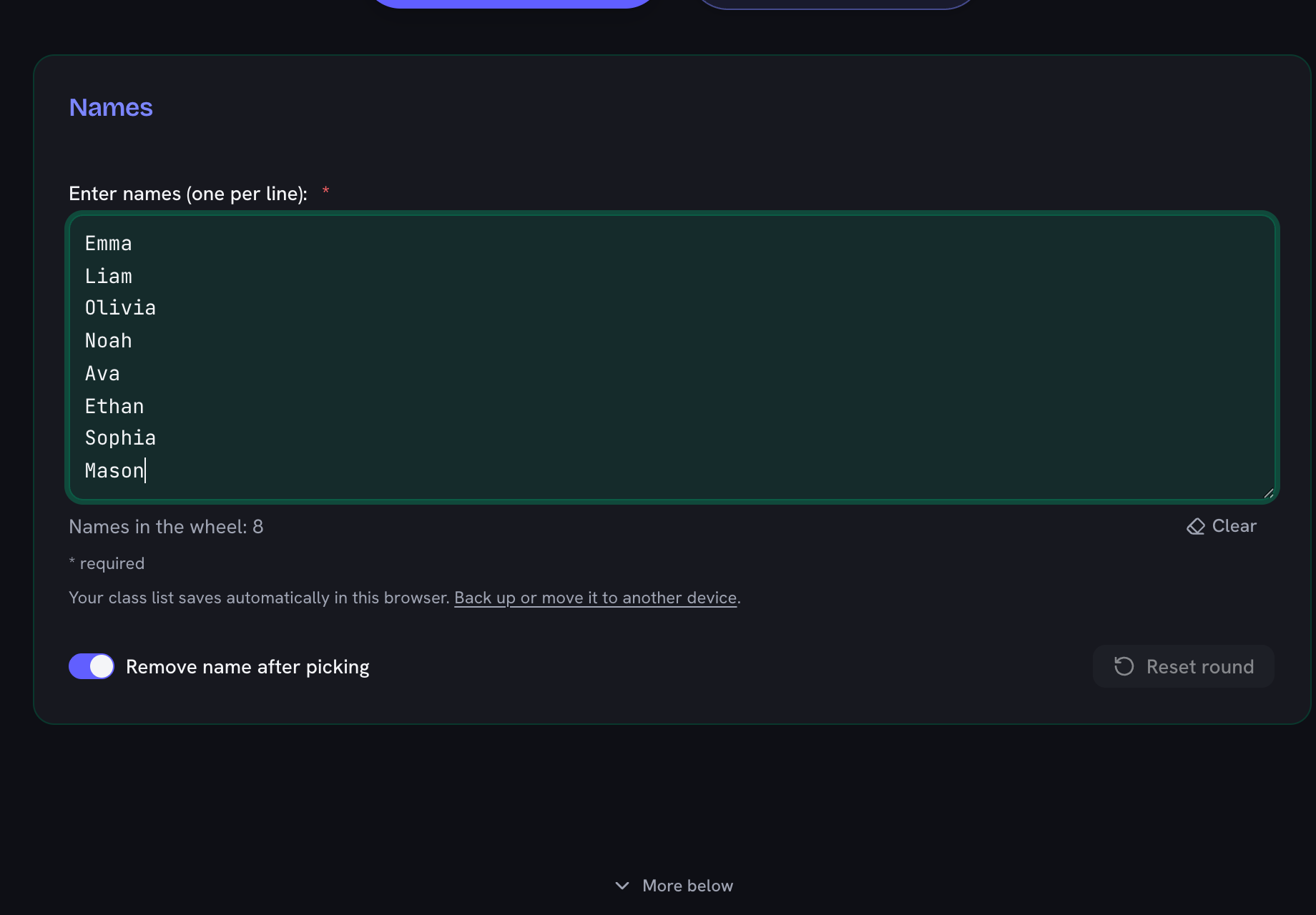
- Enter names — one per line. Paste straight from a spreadsheet column or attendance list.
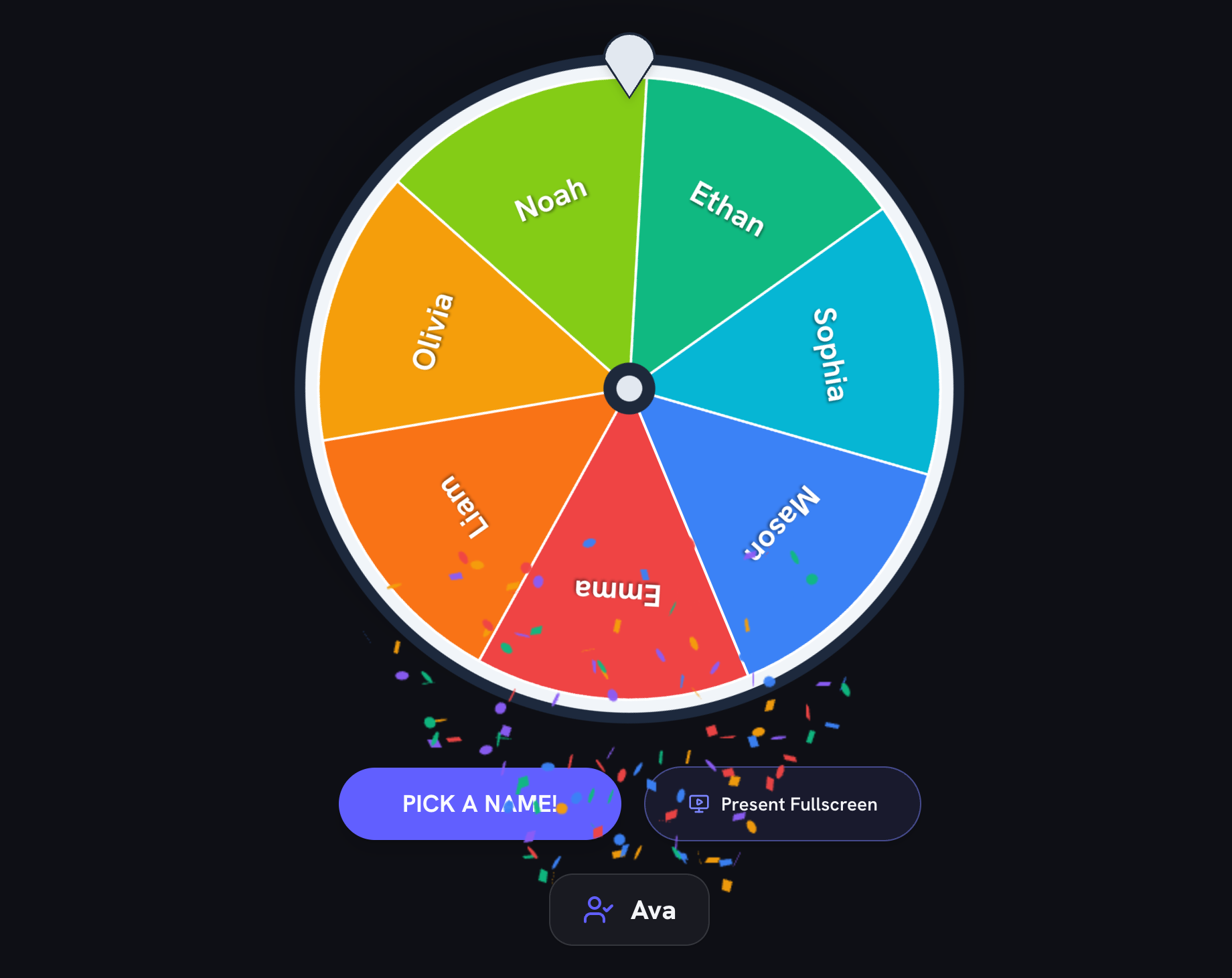
- Spin — click Pick a Name. The winner is chosen by a fair random number generator before the animation even starts.
- Keep it fair — leave Remove name after picking on so every student gets a turn before anyone is picked twice.
- Start over — hit Reset round to return all picked names to the wheel.
Fair by Design
Each spin uses an unbiased random selection across every name on the wheel — the flashy animation is just for suspense. Combined with automatic removal of picked names, this guarantees a complete, fair rotation through your whole list: ideal for cold-calling equitably, assigning classroom jobs, or running raffles.
Cold-Calling Without the Anxiety
Random selection is one of the best-studied equity practices in teaching: when the picker — not the teacher — chooses who speaks, participation spreads beyond the usual hand-raisers and unconscious patterns (calling on one side of the room, on louder students, on one gender) disappear. The wheel makes the fairness visible, which matters as much as the fairness itself: students see their name come up by chance, not by singling out.
To keep it low-stress rather than gotcha-style, many teachers pair the wheel with a routine: spin before asking the question, allow “phone a friend,” or use think-pair-share first so everyone has an answer ready. The “remove after picking” setting guarantees everyone is heard exactly once before anyone goes twice — the wheel remembers so you don’t have to.
More Ways to Use It
- Teachers: pick students for questions, presentations, line leaders, or cleanup duty.
- Trainers & meetings: choose who shares first in standups, icebreakers, and retros.
- Raffles & giveaways: draw winners transparently on a big screen.
- Families & games: decide turn order without arguments.