What is the Random Team Picker?
The Random Team Picker (also known as a group generator) is a fast, free, and easy-to-use tool designed to instantly divide a list of names into randomized teams. Whether you are a teacher organizing students for a group project, a manager setting up breakout rooms, or friends organizing a sports tournament, this generator handles the math and randomization for you.
Just like our popular Spin the Wheel tool, this team creator features a dedicated ad-free presentation mode, making it perfect for projecting the final team assignments to a classroom or live audience without any distracting banners.
How to Use the Free Team Generator
To generate your teams, simply follow these steps:
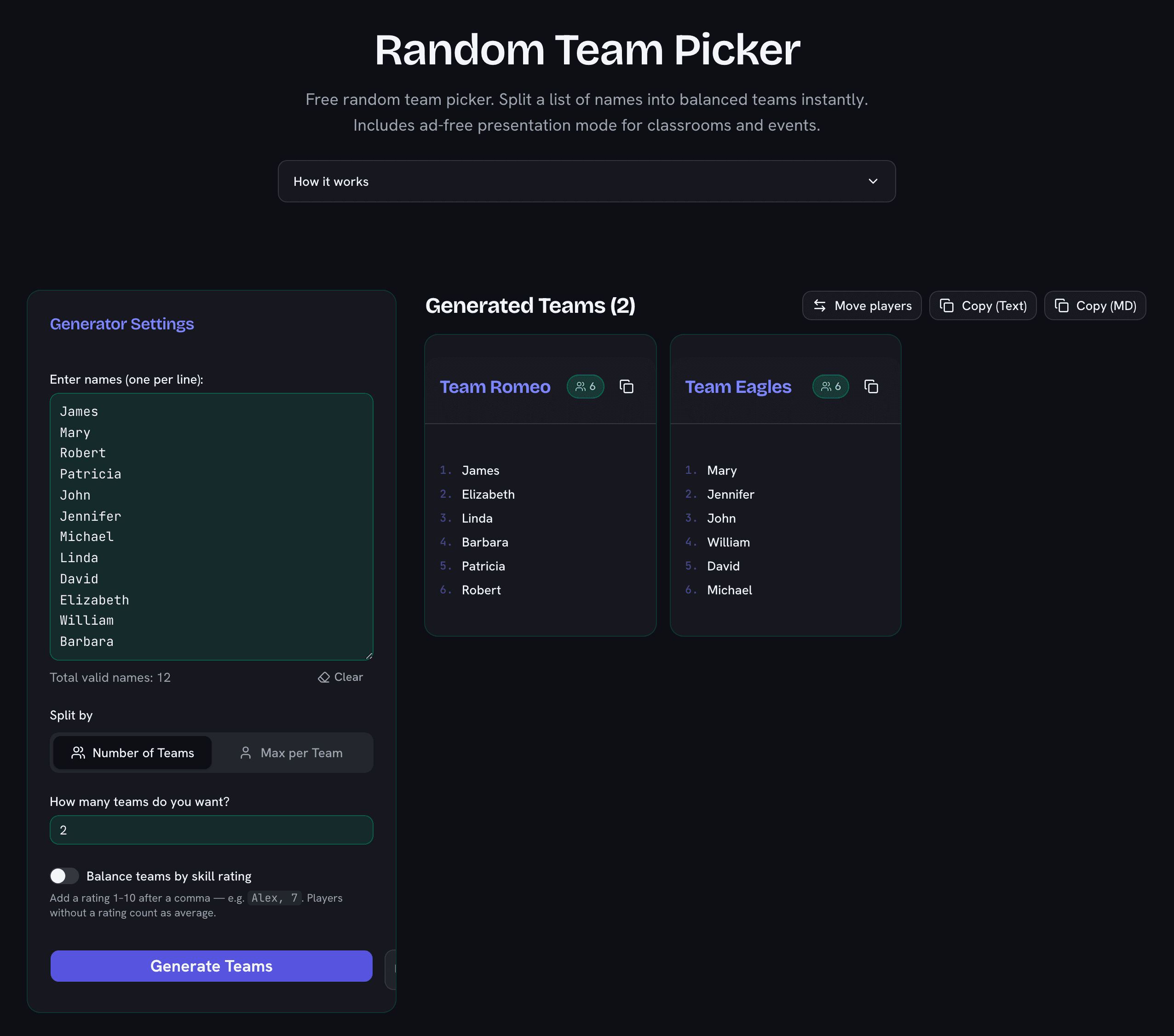
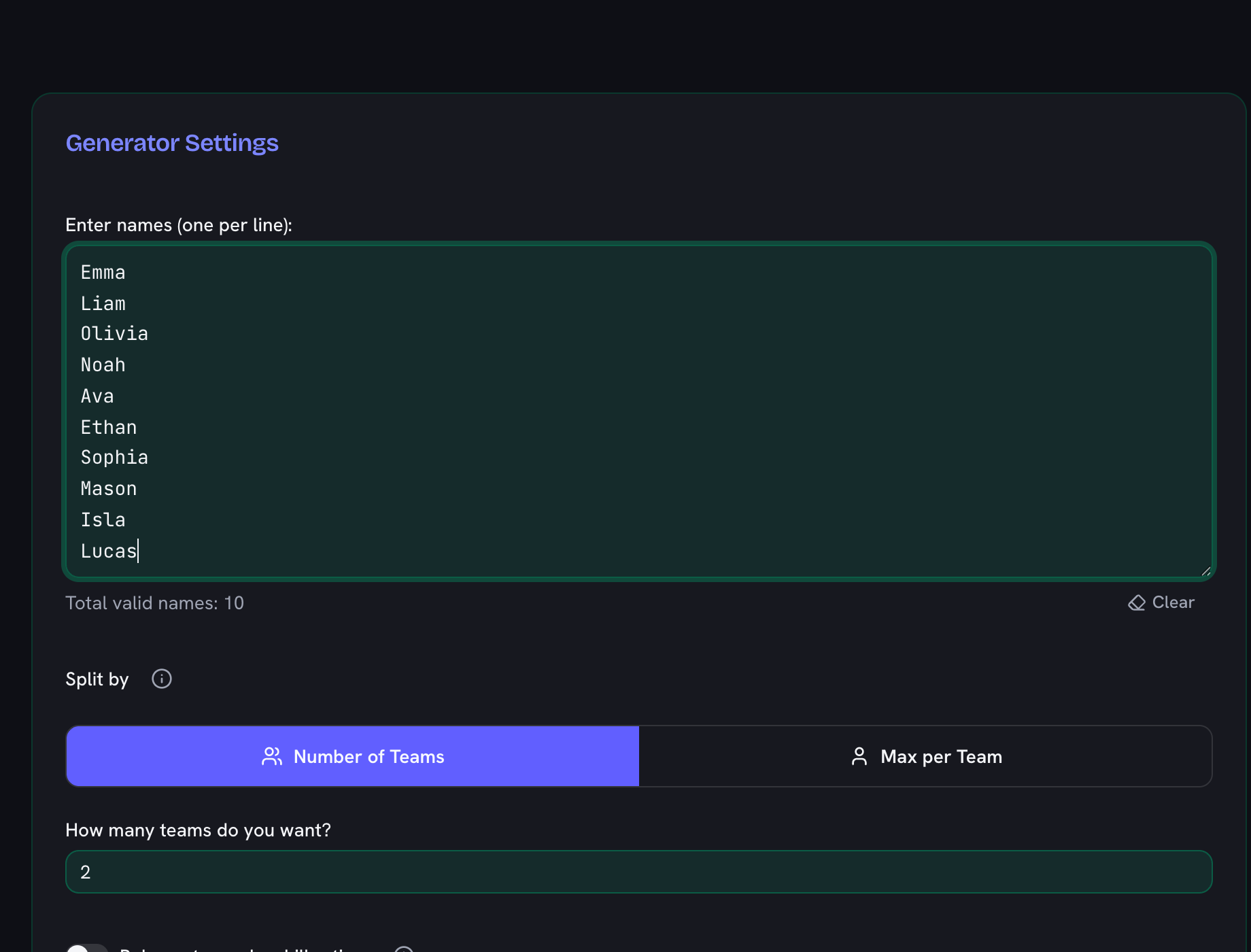
- Enter your names: Type or paste your list of participants into the text box, ensuring there is one name per line.
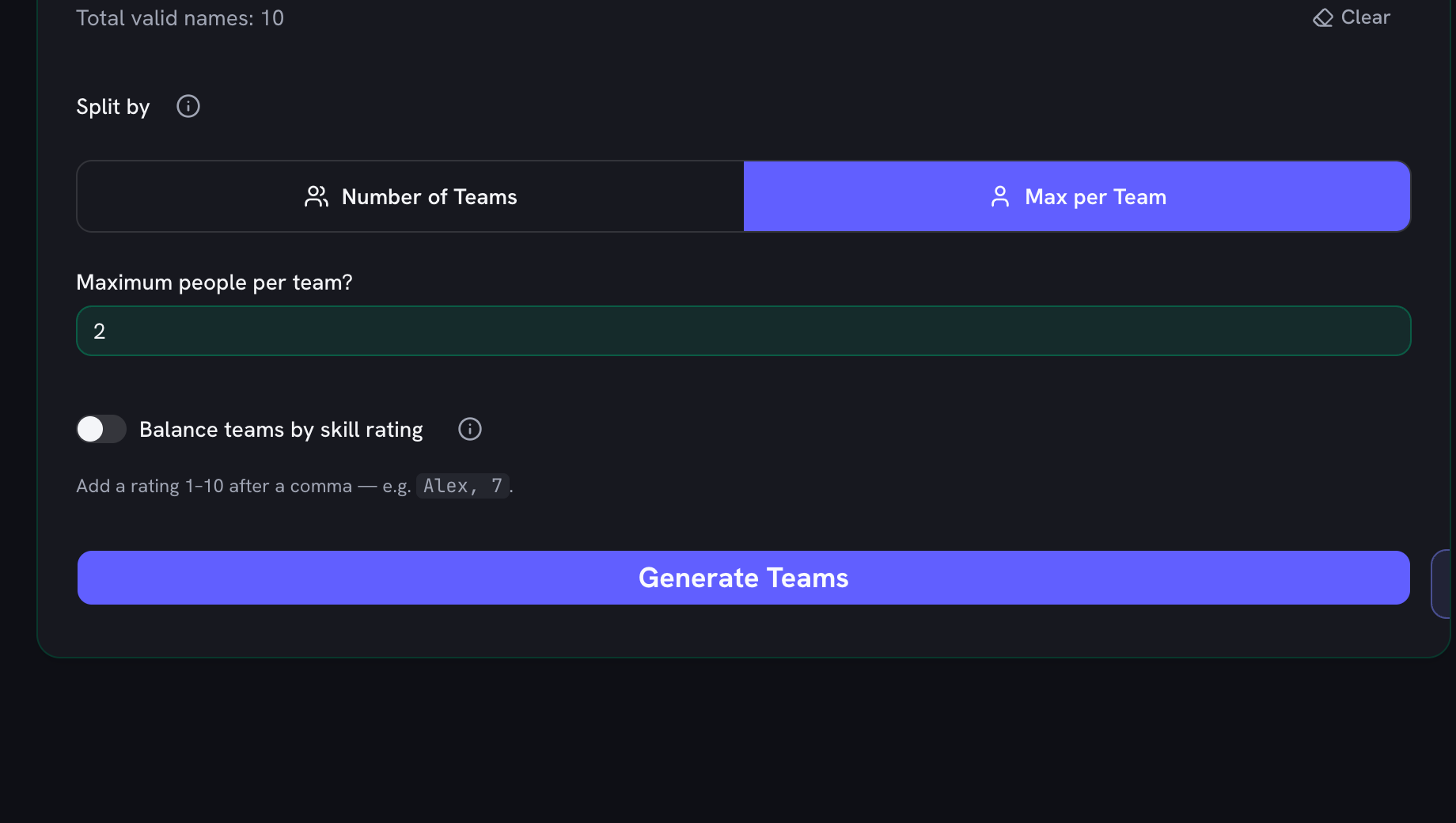
- Choose how to split: Select Number of Teams if you want exactly 4 teams, or select Max per Team if you want to ensure no team has more than 5 people.
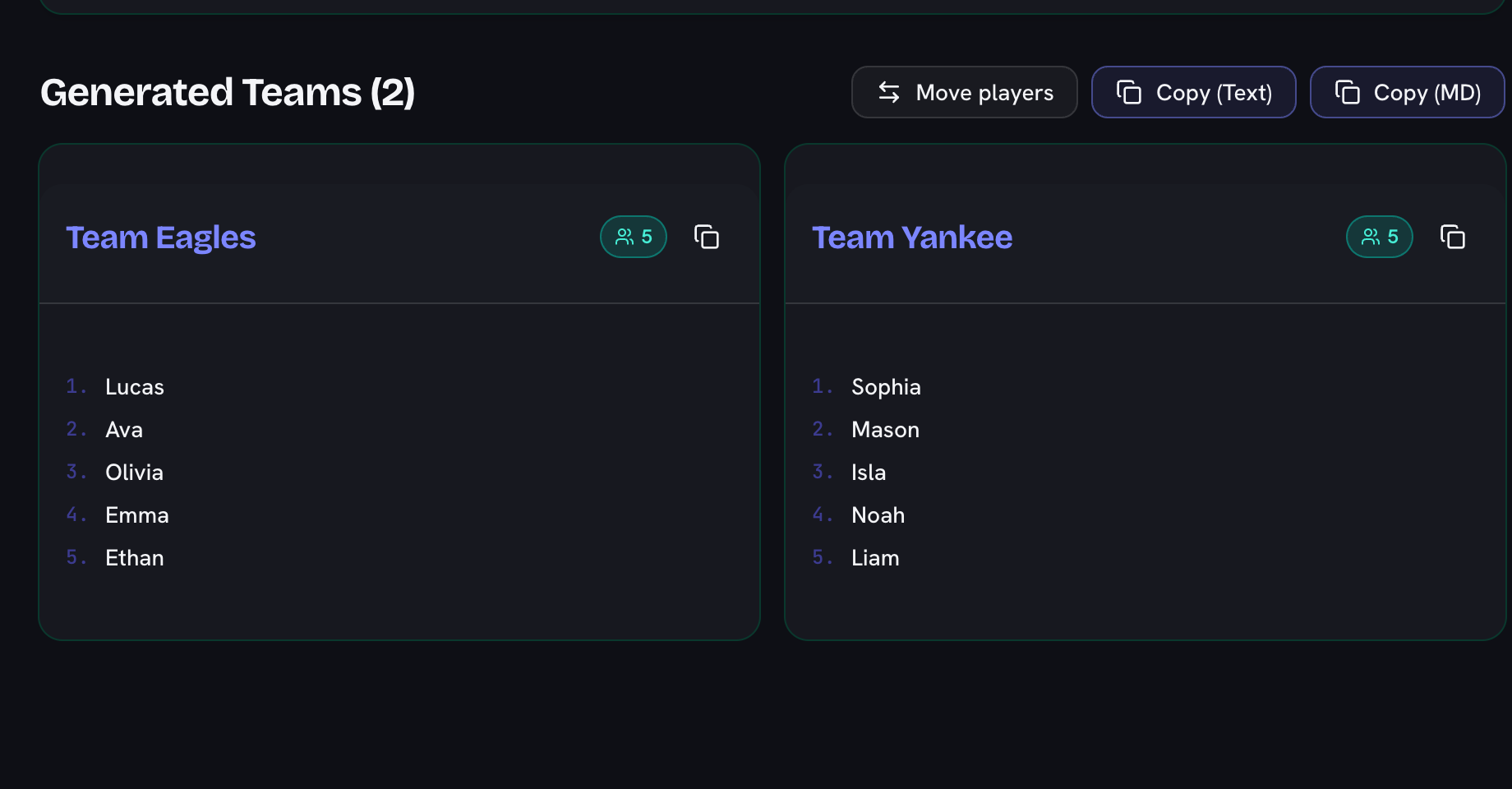
- Generate: Click the “Generate Teams” button. The tool will instantly shuffle the names using a true Fisher-Yates algorithm and distribute them fairly.
- Fine-tune by hand: Move players lets you send anyone to another team after the draw — moved players stay marked, and one click restores the original result.
- Share or Present: Copy the formatted results to your clipboard with one click, or enter Ad-Free Fullscreen mode to project the results beautifully to the room.
Fairness and Randomization
It can be tricky to divide an odd number of people evenly. Our tool uses a “card dealing” algorithm to handle remainders. For example, if you divide 10 people into teams with a maximum of 3 people per team, the tool will automatically create 4 teams and distribute the members as 3, 3, 2, and 2. This ensures the most balanced and fair team sizes possible, rather than leaving one person isolated on their own team.
Random Team Generator with Skill Levels
Pure randomness can stack a team — every PE teacher and five-a-side organizer has watched it happen. Switch on Balance teams by skill rating and add a rating from 1–10 after each name (for example Alex, 7). The generator then runs a snake draft: players are sorted by skill and dealt 1-2-3-3-2-1 across the teams, so the strongest and weakest players spread out evenly. Each team card shows its total rating, and anyone without a rating simply counts as average — mix rated and unrated names freely.
Fair Grouping Strategies for Teachers
How you split students into groups shapes how the activity goes. Pure random works best for short tasks and mixing social circles — and because this tool provably randomizes, students accept the outcome without the “you always put me with…” complaint. For ability-sensitive work like PE teams or project groups, use skill-balanced mode so every group has a similar spread, which research on cooperative learning consistently favors over letting captains pick (nobody is chosen last). For recurring classes, reshuffle weekly: rotating group membership widens peer networks and keeps cliques from calcifying. Whichever strategy you choose, announcing the split from a projector in the ad-free presentation mode makes it fast, visible, and final.
Team Picker Fullscreen (No Ads)
If you are looking for a random team generator online free that looks great on a projector, you are in the right place. Our built-in presentation mode hides all website chrome and advertisements, displaying a clean, large grid of your generated teams.
To access this projector-friendly view, just click the Enter Ad-Free Fullscreen button above the tool. You will view supporting ads on the main page (which allows us to keep the tool 100% free), but your audience will only see the beautifully presented final team assignments in fullscreen!