lans.cloud Tools

Reading Log Generator — Free Printable Weekly & Monthly Logs

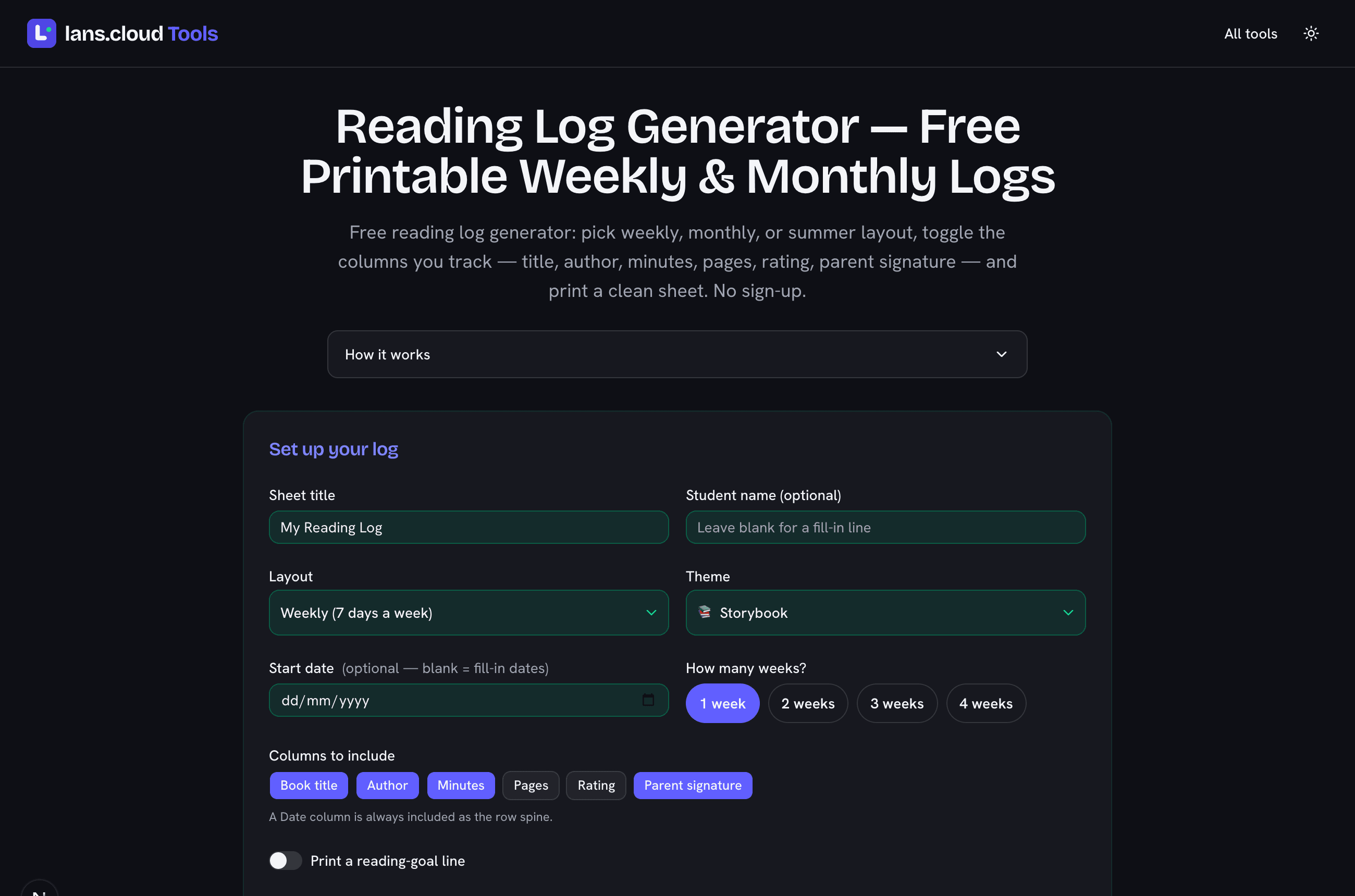
Free reading log generator: pick weekly, monthly, or summer layout, toggle the columns you track — title, author, minutes, pages, rating, parent signature — and print a clean sheet. No sign-up.

Was this tool helpful?
Support this site

A reading log that prints exactly what your class tracks

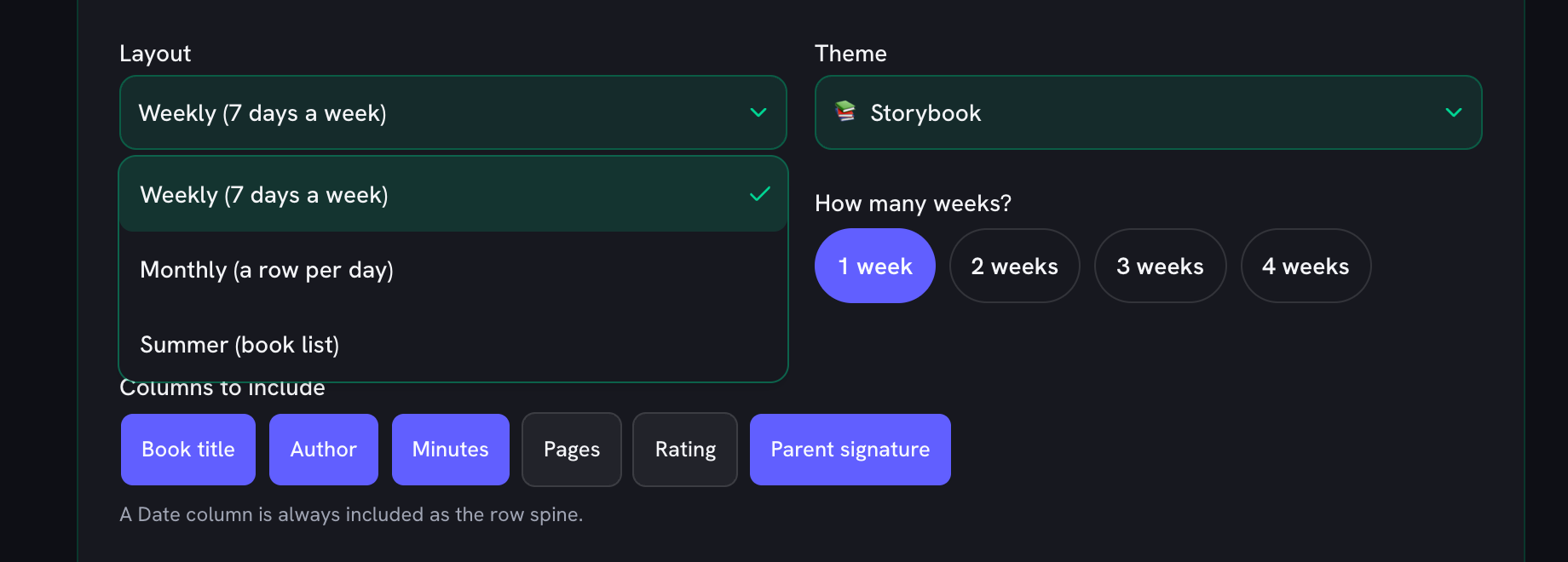
Most printable reading logs are locked PDFs: if the template has a minutes column and you count pages, tough luck. This reading log generator flips that around. You pick the layout — a weekly reading log with a row per day, a monthly reading log with a row for every date, or a summer book list — and then toggle exactly the columns you want: book title, author, minutes read, pages, a star rating, and a parent-signature line. What you see in the preview is what prints, so the sheet carries your tracking, not somebody else’s.

Minutes or pages — track the one your reader responds to

Reading logs work because they make the habit visible. The research behind “read 20 minutes a day” is about consistency, not a magic number, so pick the measure that keeps your reader going. Younger children and reluctant readers usually do better with minutes — a timer is less discouraging than a page count when books are short. Older, fluent readers often prefer pages or a running list of titles and authors. Turn on the optional goal line (“read 20 minutes per day”, “3 books per week”) and the target prints right at the top of the sheet as a daily reminder.

Made for homework logs, homeschool, and summer challenges

Teachers can print a whole classroom set — one copy per student, each with a blank name line — in a single click, and switch on the parent-signature column so reading minutes come back initialled. Homeschooling parents can run a monthly log per child and keep the sheets as a simple record. For the summer slide, the undated book-list layout doubles as a reading-challenge tracker. Prefer to save ink? The “Ink-light (B/W)” theme drops all the colour for a clean black-and-white sheet that still looks tidy on the fridge.

No sign-up, nothing uploaded

Like every tool here, the whole thing runs in your browser: no account, no email, and the student name you type is only ever used on the sheet you print — it is never uploaded or stored on a server. Your last settings save locally so the log is ready to go next week. When you’re done, pair it with the reading level converter to match books to a child’s level, or the spelling test practice and multiplication timed test for the rest of the homework routine.
Weekly, monthly, or summer — what each layout prints

LayoutRowsBest for
Weekly7 rows (one week)A row per day, Mon–Sun; set 1–4 weeks. The classic homework reading log.
Monthly31 rows (July)One row for every calendar day of the month — 28, 29, 30 or 31, worked out for you.
Summer8–40 rowsAn undated book list for the whole break — log titles as they get read.

Row counts computed from the tool's own generator (a July start date shown): weekly gives 7 rows per week, monthly matches the real length of the month, and summer is a fixed book list.

Frequently Asked Questions

How do I make a reading log?

Pick a layout — weekly (a row per day), monthly (a row for every day of the month), or a summer book list — then choose which columns you want: book title, author, minutes read, pages, a star rating, and a parent-signature line. Add the student’s name and a start date if you like, pick a theme, and click Print. The sheet opens ready to print or save as a PDF. There is no sign-up and nothing is uploaded — the whole log is built in your browser.

Is there a free printable reading log with a parent-signature line?

Yes. Turn on the “Parent signature” column and every row gets a signature box, so a parent or guardian can initial each night’s reading — exactly what most homework reading logs ask for. It pairs well with the Minutes column for teachers who count reading minutes, and you can print one sheet or a full classroom set with a blank name line on every copy.

What should a reading log include?

At a minimum, a date and the book title. Most teachers also ask for minutes read (or pages) and a parent-signature line; a quick 1–5 star rating helps kids reflect on what they enjoyed, and an author column is useful for older readers building a “books I’ve read” list. This generator lets you switch each of those columns on or off, so the sheet only carries what your class or family actually tracks — no clutter.

Can I choose weekly, monthly, or summer reading logs?

All three. The weekly layout prints a row for each day and can span one to four weeks. The monthly layout prints a row for every day of the month and handles the month length automatically — including February in leap years. The summer layout is an undated book list of 8 to 40 rows for logging titles across a long break or a reading challenge.

Do I need an account, and is anything uploaded?

No account, no email, no upload. The log is generated entirely in your browser, and your settings save locally so they’re there next time. The optional student name is only used on the sheet you print — it never leaves your device, and it is not sent anywhere.

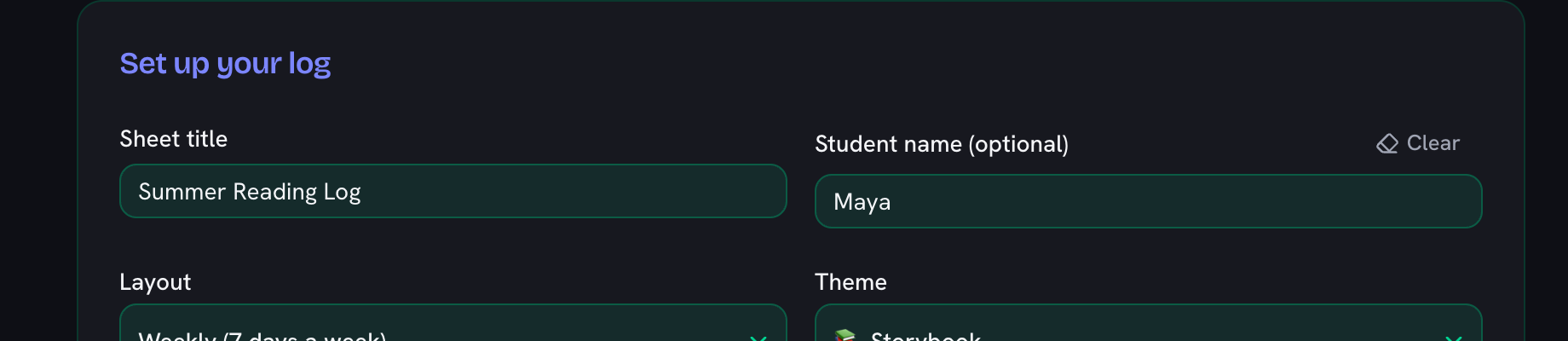
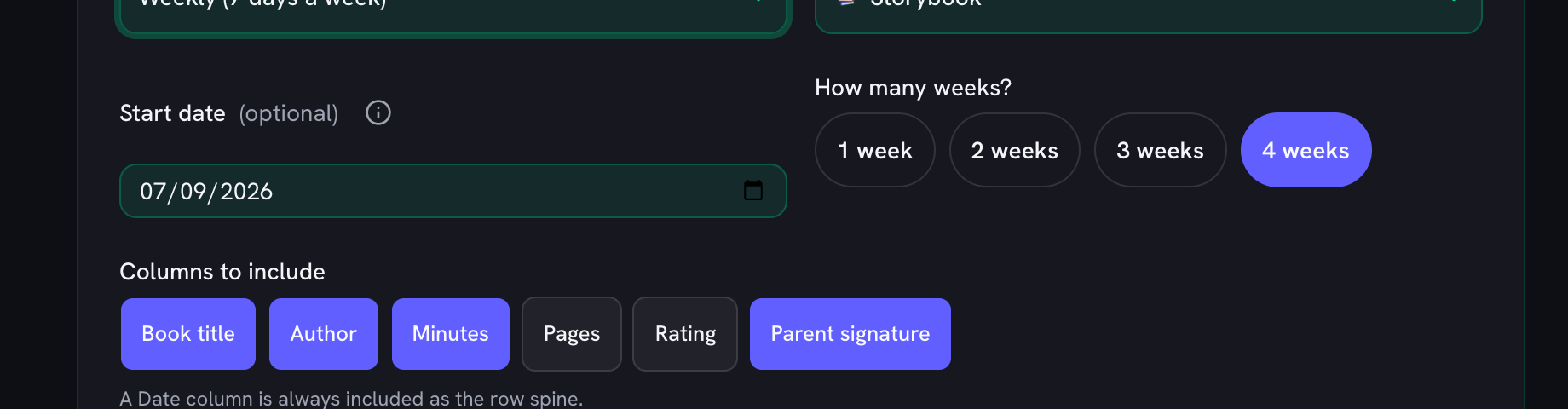
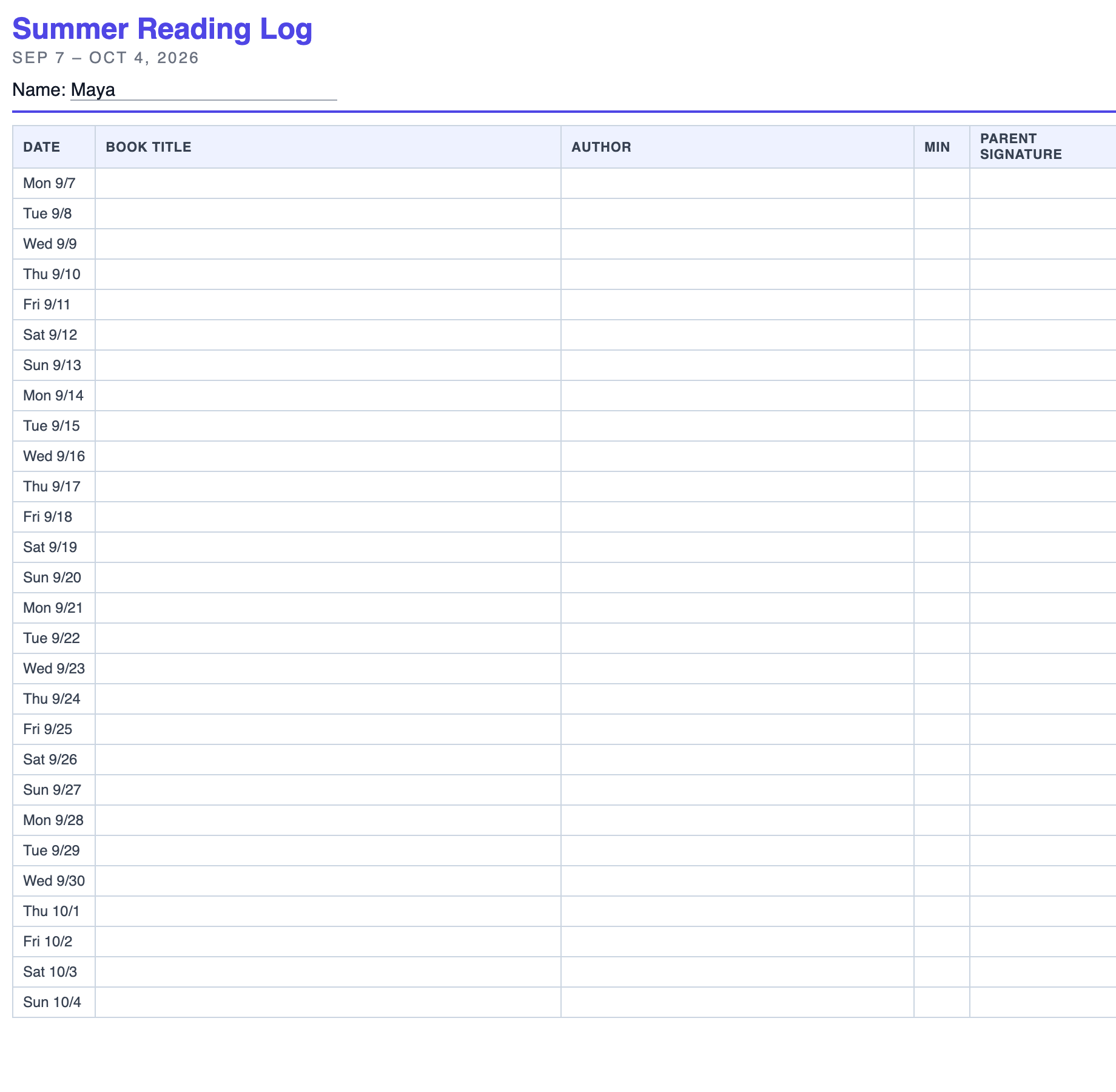
Reading log generator setup showing layout, theme, week count, and column toggles above the live sheet preview
Pick a layout and the columns you track — the printable sheet previews live and prints in one click.