

The Team Parent’s Snack Problem
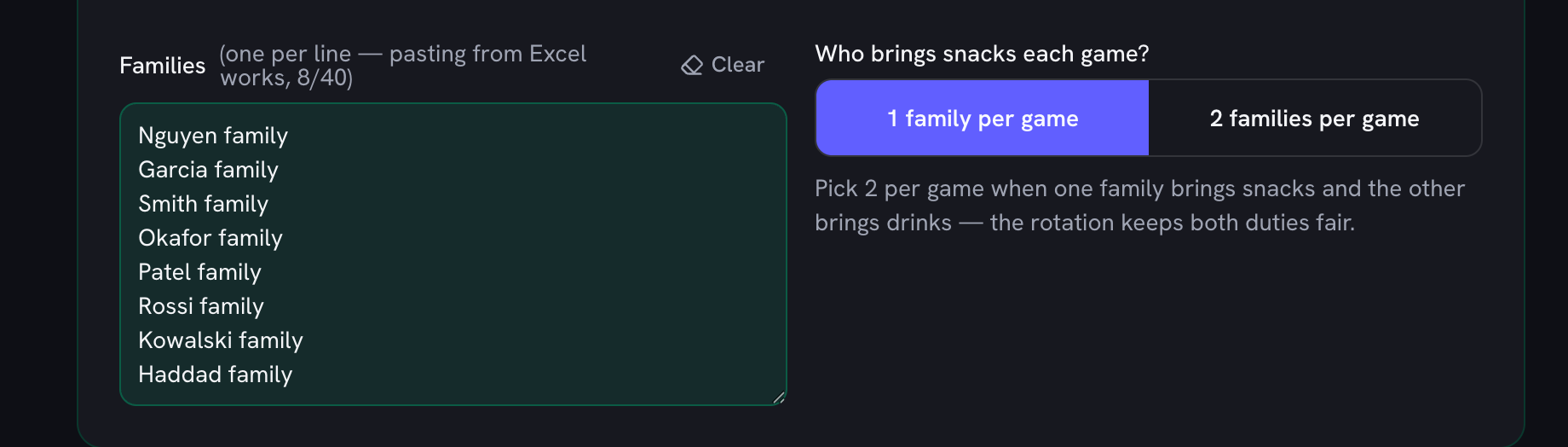
Every youth team has one: the parent who volunteers to “organize snacks” and discovers it means chasing fourteen families across a whole season. The usual fixes both disappoint. Sign-up platforms want every parent to create an account and answer email invitations — half never do. Printable snack schedule templates are just empty grids: you still do the actual work of deciding who covers which game, fairly, around everyone’s vacations. This generator does that part. Paste the family list, add the dates, and the rotation is built for you — no accounts, no emails, nothing to install.
How the Fair Rotation Works
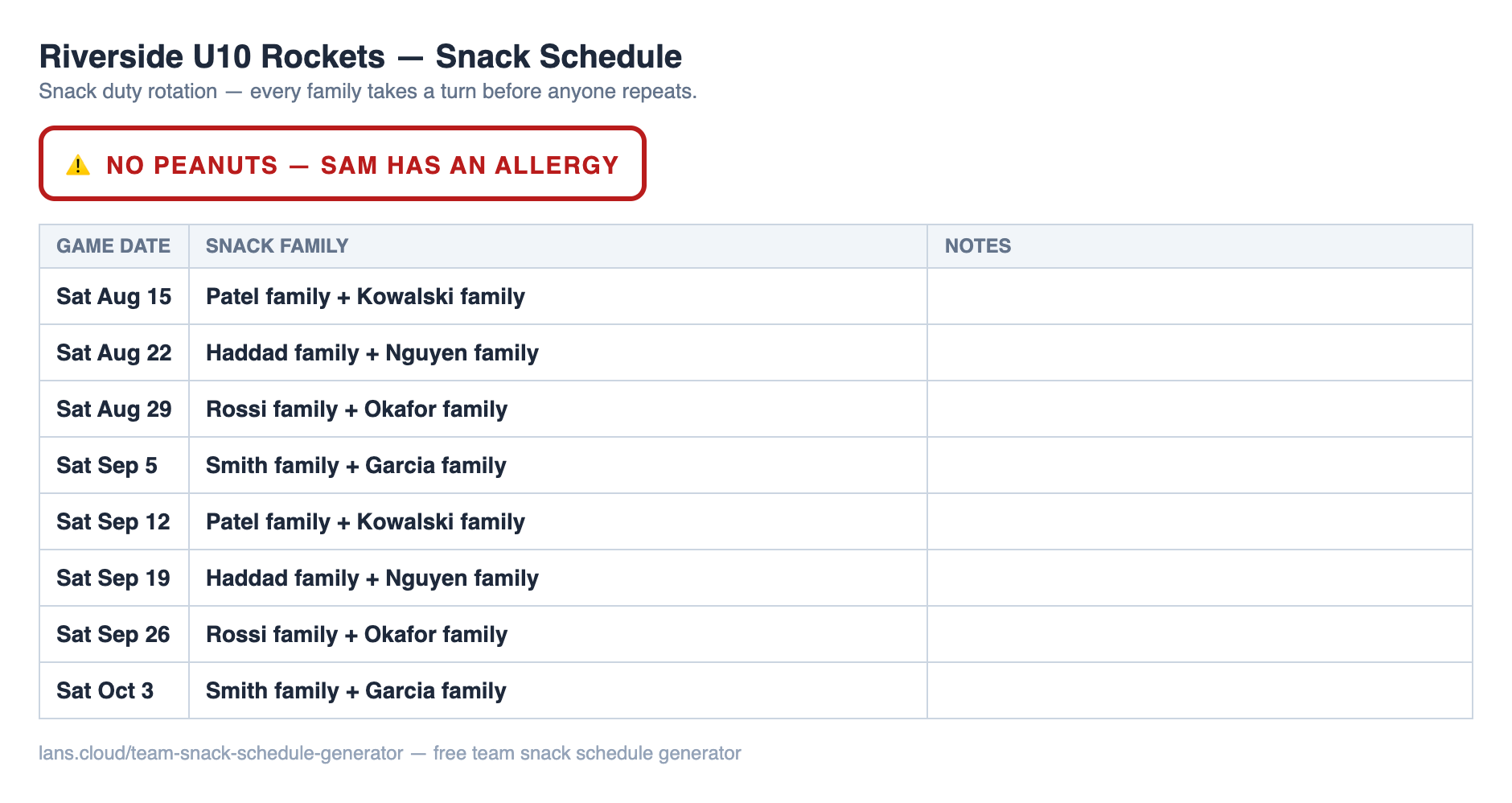
The generator shuffles your family list once (hit Re-shuffle if you want a different draw), then deals out the season so that no family goes twice before every family has gone once, and any repeat turns land a full round apart — the two things parents actually check. Mark the dates a family can’t make and the rotation plans around them while keeping the counts as level as the calendar allows. And when a date becomes genuinely impossible — everyone away on tournament weekend — it tells you so honestly instead of quietly double-booking someone. If you also run the lineup, the equal playing time calculator applies the same fairness-by-construction idea to substitutions.
How Many Turns Will Each Family Get?
Snack turns per family, by roster and season size
| Roster | Season | Turns (1 family/game) | Turns (2 families/game) |
|---|---|---|---|
| 6 families | 8 games | 1–2× | 2–3× |
| 8 families | 8 games | 1× | 2× |
| 8 families | 16 games | 2× | 4× |
| 10 families | 12 games | 1–2× | 2–3× |
| 12 families | 12 games | 1× | 2× |
| 14 families | 16 games | 1–2× | 2–3× |
Computed by the same rotation math as the generator — a range like 1–2× means the season doesn't divide evenly, so some families draw one extra turn.
Allergy-Aware by Default
Most leagues now run nut-free sidelines, and a schedule that doesn’t say so is how the wrong granola bar shows up. Set the allergy note once — “NUT-FREE TEAM”, “no strawberries (Maya)” — and it appears as a warning banner on the screen, at the top of the printed sheet, and in the copied chat text, so the reminder travels with the schedule instead of living in one parent’s memory.
Soccer Saturdays, Baseball Doubleheaders, Football Fridays
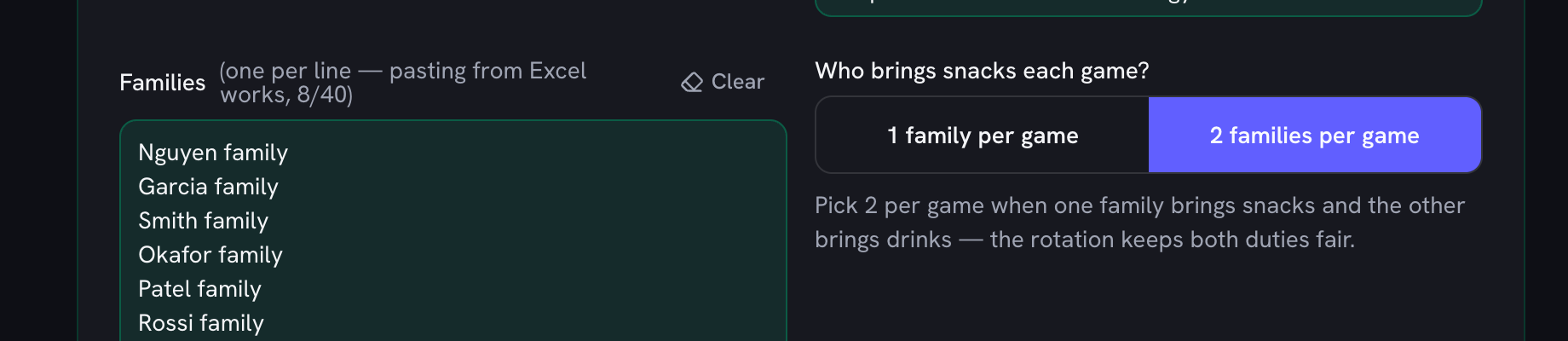
A soccer snack schedule is usually the easy case: pick your start date, choose Saturday, set the number of weeks, and the whole season appears. A baseball team snack rotation is lumpier — doubleheaders, makeup games, tournament weekends — so add those dates one at a time and the rotation absorbs them. Football teams generate Fridays; swim clubs add meet dates. The math never changes: families × dates, dealt fairly. Two-per-game mode covers the common snacks-plus-drinks split, giving each date two different families. For team duties beyond food, the random team picker splits kids into fair practice squads, and the chore chart generator runs the same kind of rotation at home.
What to Actually Bring
Team snack ideas that survive a sideline
| Snack | Why it works |
|---|---|
| Orange slices or clementines | The classic halftime snack — hydrating, no packaging fuss, and safe for almost every allergy list. |
| Apple slices + water | Cheap, crunchy, and no sugar crash in the second half. |
| Grapes (halved for the littlest players) | Easy to share from one container; halve them for U6 and under. |
| Bananas | Pre-wrapped by nature — zero prep for the family on duty. |
| Granola bars (check the label) | Shelf-stable backup — pick a certified nut-free brand for nut-free teams. |
| Cheese sticks + crackers | Protein after the final whistle; keep a cooler bag in the car. |
| Juice boxes or water bottles | Pair any dry snack with a drink — many teams ask the snack family to bring both. |
| Popcorn (plain, pre-bagged) | A crowd-pleaser for older squads; skip it for teams with braces or kids under four. |
Always cross-check against your team's allergy list — and put that list in the allergy note so it prints on the schedule.
The Group-Chat Trick
Paper sheets get lost in kit bags; the group chat is where team logistics actually live. Copy for Team Chat formats the season as plain text — one “Sat Mar 14 — Nguyen family” line per game — that pastes cleanly into WhatsApp or GroupMe and pins nicely. Re-paste it after any swap: when two families trade dates, use the Swap button on the schedule so the change is recorded (swapped rows are marked with a *) and the print, the chat text, and the screen all keep telling the same story.