What is the Spin the Wheel Tool?
The Spin the Wheel tool is a free, interactive decision maker designed to help you randomly select an item from a list. Whether you’re struggling to decide what to eat for dinner, picking a student to answer a question in class, or drawing a winner for a giveaway, our customizable wheel makes the process fun, fair, and visually exciting.
Best of all, our wheel features a dedicated ad-free presentation mode, making it the perfect choice for teachers projecting in classrooms or event hosts looking for a clean, professional display.
How to Use the Random Picker Wheel
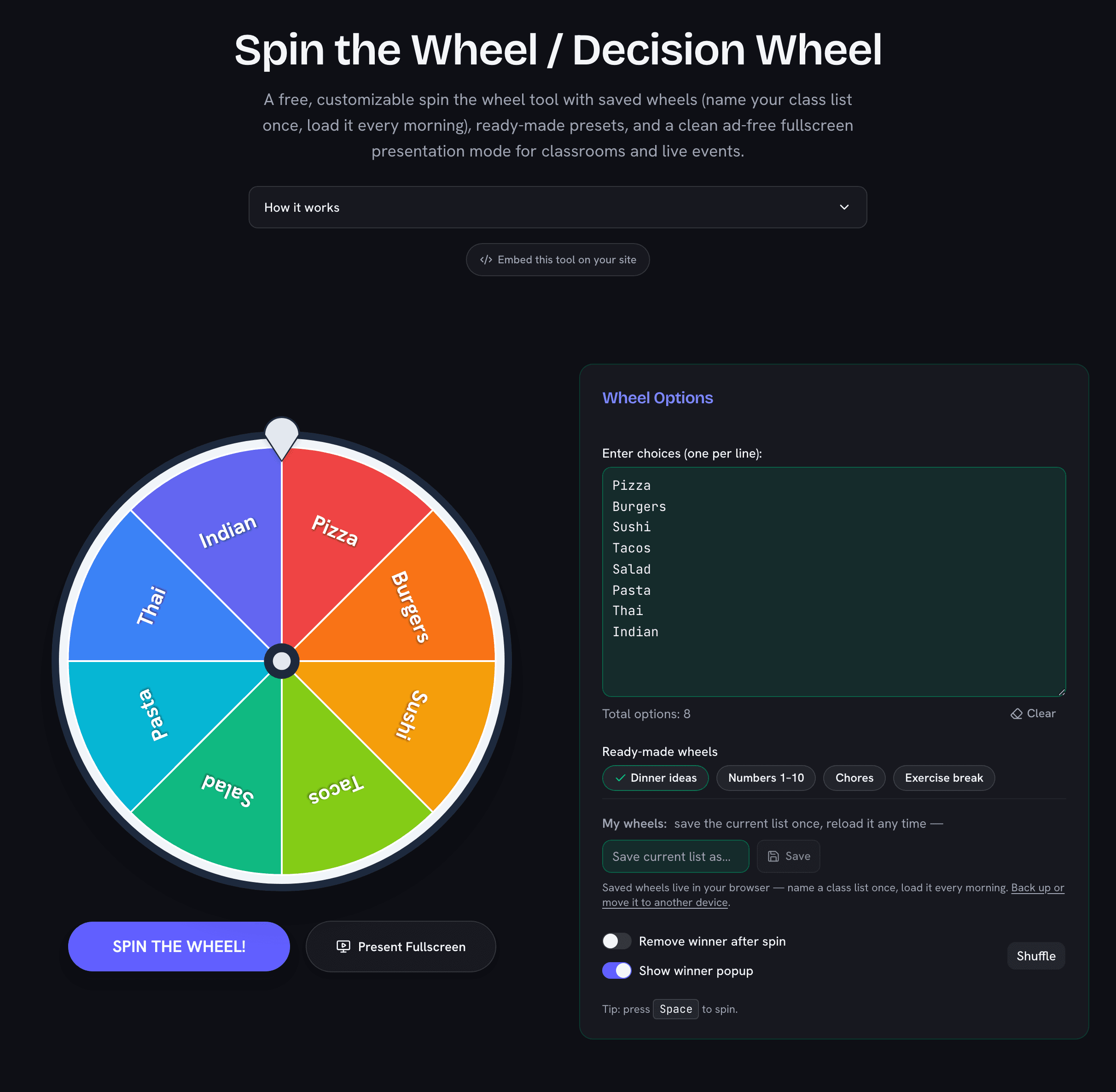
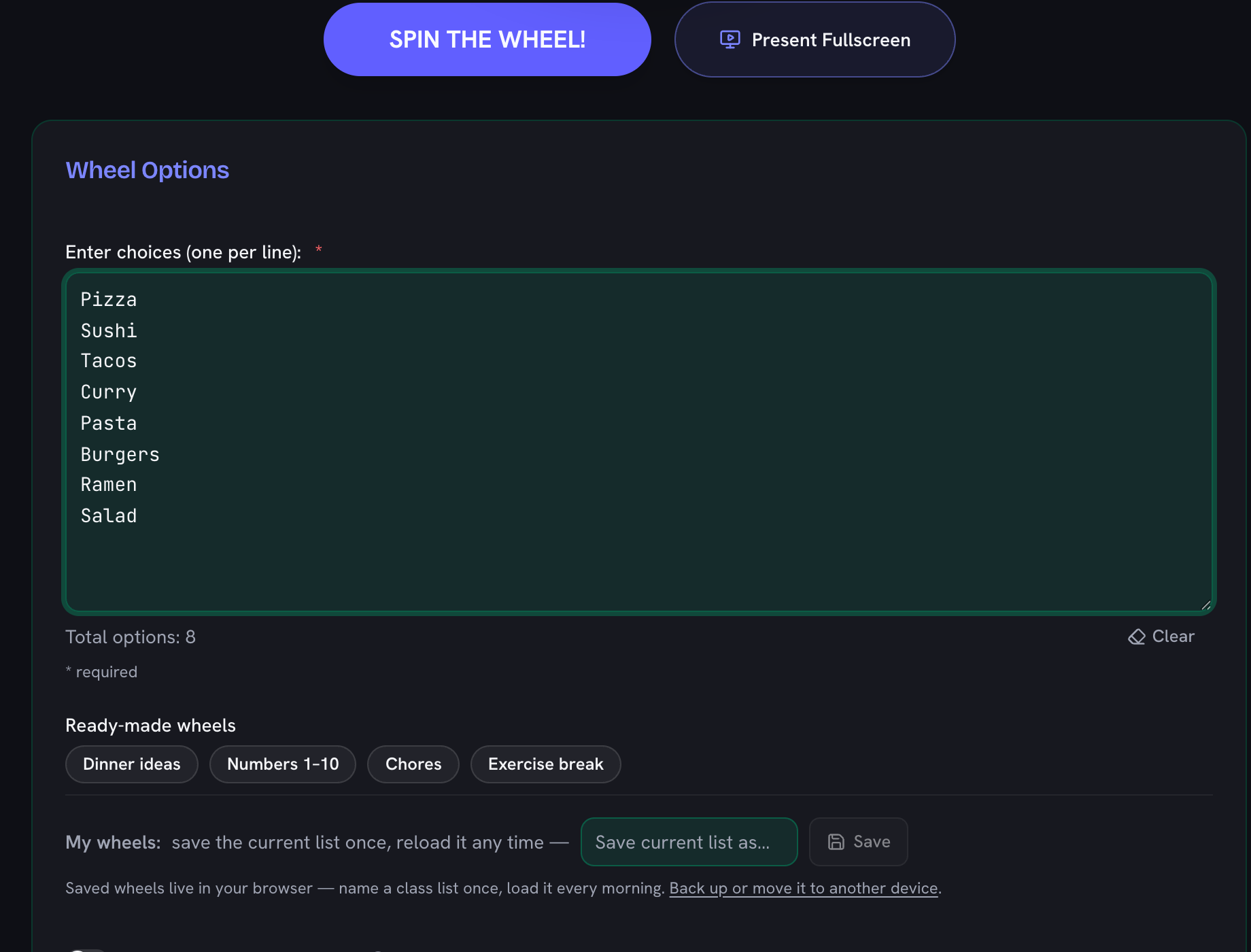
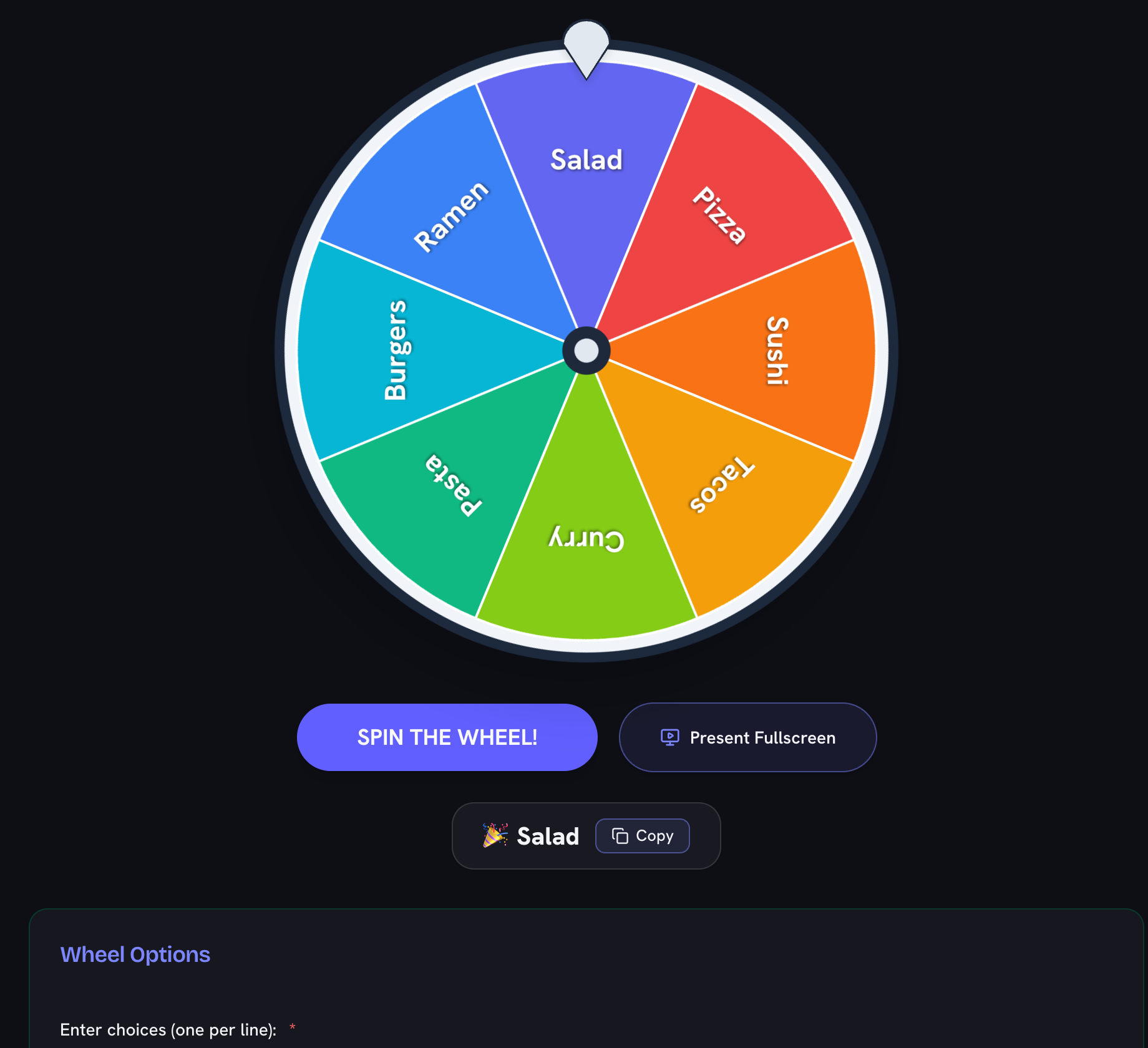
Using the wheel is incredibly simple. Just type or paste your list of options into the text box provided—make sure each option is on its own line. The wheel will instantly update to display a colorful slice for every item. Once your options are set, click the SPIN THE WHEEL! button. A physics-based animation will spin the wheel, eventually slowing down to reveal a randomly chosen winner accompanied by a celebration.
If you are presenting to a group, simply click the Present Fullscreen button to launch our immersive, ad-free fullscreen view.
Key Features
- Completely Free & No Limits: Spin as many times as you like, with as many options as you need.
- Ad-Free Fullscreen / Presentation Mode: Launch a large, clean, distraction-free fullscreen wheel with no ads. Ideal for teachers, classrooms, live events, and screen sharing.
- Remove Winners: Toggle the “Remove winner after spin” option if you’re running a raffle or eliminating choices one by one.
- Fair and Random: The winning slice is calculated using a true random number generator before the visual spin even begins, ensuring a 100% unbiased outcome every single time.
- Mobile Friendly: Designed to work perfectly on phones and tablets with touch-friendly controls.
Spin the Wheel Fullscreen (No Ads)
Looking for a spin the wheel fullscreen no ads experience? Our presentation mode provides a clean, large wheel that fills the screen without any Google ads, banners, or distractions. We built this specific feature because we know how frustrating it is to project a webpage in a classroom or during a live stream, only to have distracting ads pop up.
This ad-free fullscreen view is perfect for:
- Teachers projecting in classrooms or lecture halls
- Event hosts doing raffle draws on a big screen or TV
- Live streams, Twitch broadcasts, and Zoom video calls
- Any situation where you want the wheel front and center
To access fullscreen mode, just click the Present Fullscreen button at the top of the wheel. You will see our supporting ads on the main page (which keeps the tool free for everyone), but once you enter presentation mode, you get a beautiful, clean, ad-free fullscreen experience.
Classroom Games and Activities with the Wheel
Teachers get more out of a spinner than anyone, because a wheel turns routine choices into a moment the whole class watches. Load it with review questions and spin between topics for an instant quiz-show format. Fill it with sentence starters or vocabulary words for writing warm-ups. Put brain-break activities on the slices — stretch, riddle, 20 jumping jacks — and let the wheel decide the transition. For older students, load debate topics or presentation orders; nobody argues with the wheel.
Two settings make classroom use smooth: turn on Remove winner after spin so every topic or student comes up exactly once, and keep your list saved between lessons — it stays in your browser automatically. When the projector goes on, one click into the ad-free fullscreen mode puts a big, clean wheel in front of the class and nothing else.
Popular Use Cases
Our users love using the decision wheel for a wide variety of scenarios:
- Teachers and Educators: Picking students for presentations or randomizing quiz topics.
- Event Organizers: Drawing random winners for door prizes or online giveaways.
- Friends and Families: Deciding on a restaurant, a movie to watch, or whose turn it is to do the chores.
- Gamers: Randomizing challenges, character selection, or drop locations in Battle Royale games.