A Scoreboard That Keeps the Game Moving
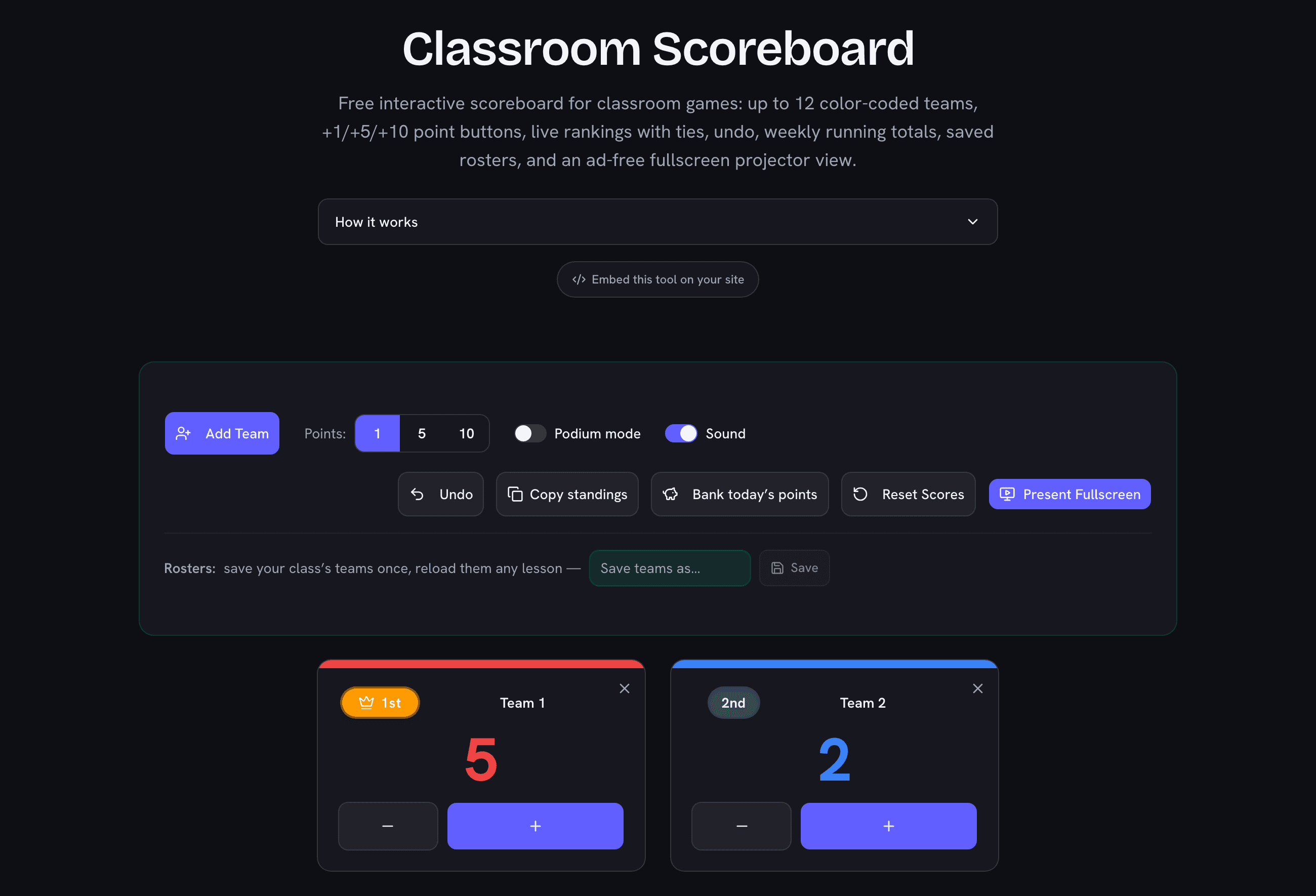
Nothing kills the energy of a review game faster than scoring on a corner of the whiteboard: you turn your back on the class, the marker dies, and someone always disputes the tally. An interactive scoreboard on the projector fixes all three — scores are huge, colorful, and update the moment you tap. This one needs no account and no setup: add your teams, pick a point value, and start playing. Everything saves in your browser, so the scoreboard survives a refresh mid-game.
Game Formats That Work With Point Increments
- Jeopardy-style review: set points to 10, award on correct answers, subtract on misses if you play with penalties — negative scores are allowed.
- Table points / PBIS systems: keep the scoreboard up all week at +1 per good behavior catch; the running total and rankings do the motivating for you.
- Vocabulary battles and quiz bowls: quick +1 scoring with the sound cue on, so the class hears every point land.
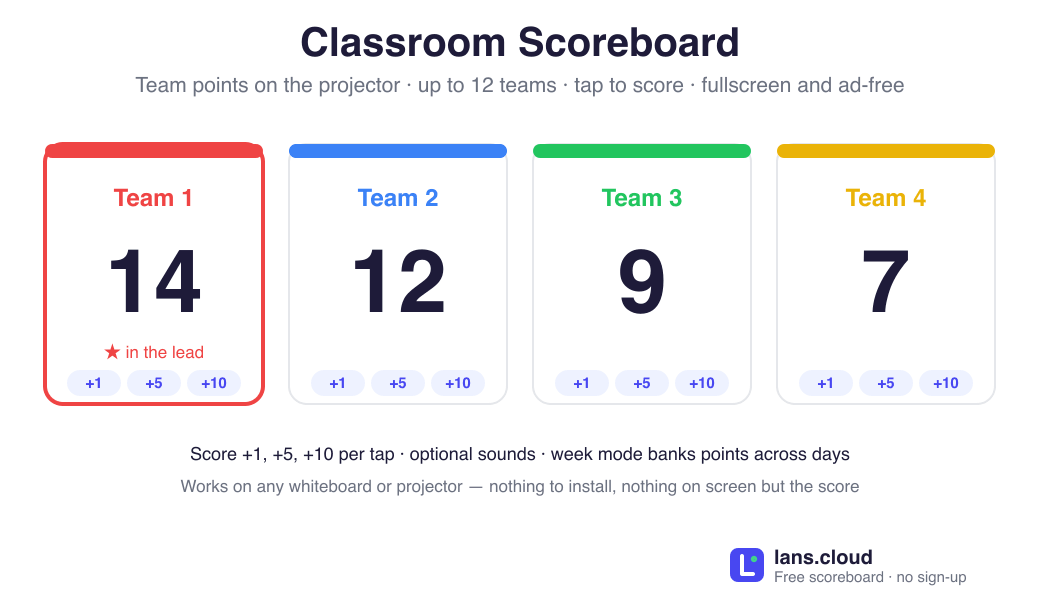
- Tournament brackets: up to 12 teams with distinct colors covers a whole class of table groups; turn on Podium mode for a live tiered leaderboard — the leader’s card grows and glows in its team color, runners-up form the second row.
Built for the Projector
Present Fullscreen turns the page into a clean, ad-free display with giant color-coded scores — readable from the back row — while the + and − buttons stay usable, so the teacher scores directly on the projected screen or from the laptop driving it. Ties share a rank, the leader wears the crown, and Reset Scores starts the next round without rebuilding your teams. Pair it with the random team picker to make fair teams first, and the classroom timer to put a countdown on each round.