One Glance Instead of a Hundred Reminders
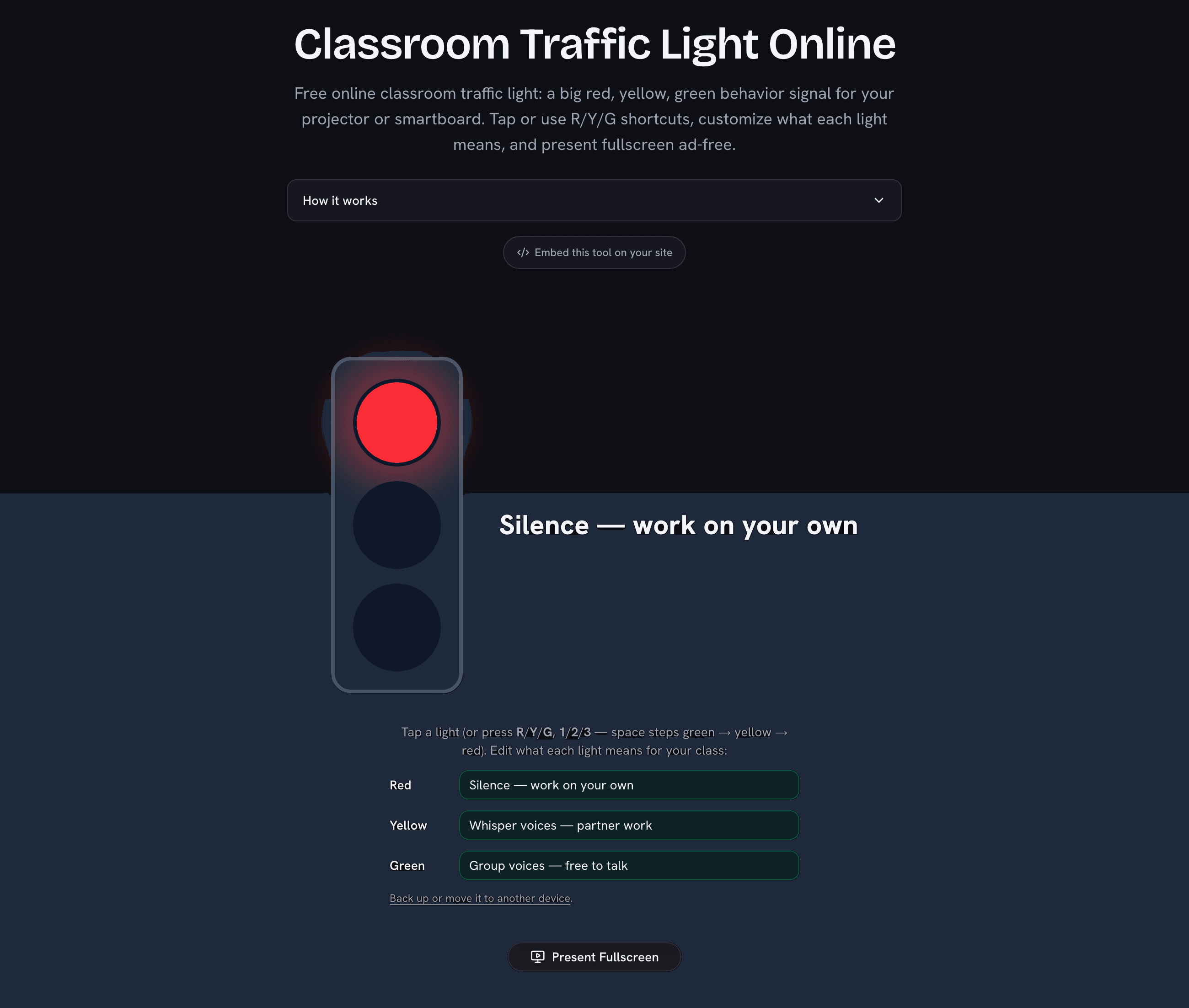
The traffic light — the classroom stoplight, in many schools — is one of the oldest and most effective classroom management systems, and it works for one simple reason: children process a color faster than a sentence. Instead of repeating the noise expectations every ten minutes, the light states them continuously — red means silent independent work, yellow means whisper-level partner voices, green means group discussion is welcome. This page turns any projector, smartboard, or spare monitor into that signal: tap the light that matches the activity and the meaning appears in letters the back row can read.
Make the Colors Yours
The red/yellow/green noise ladder is only the default. Each light’s meaning is editable and saved in your browser, and teachers run all kinds of systems on the same three colors: a help-desk light (red = don’t disturb the teacher, yellow = ask your neighbor first, green = questions welcome), a transition light (red = stay seated, yellow = pack up quietly, green = line up), or a lab-safety light during practicals. Whatever wording you choose shows full-size beside the light whenever it is on.
Built for the Projector
The presentation mode fills the screen with just the light and its meaning — ad-free, no browser chrome, no distractions. Switch lights by tapping (smartboard-sized targets), or from your desk with the keyboard: R, Y, G (or 1, 2, 3) jump straight to a color, and the space bar walks the usual escalation green → yellow → red. Your meanings and the current light survive a page reload, so the light comes back exactly as you left it after the lunch break.
Manual Light or Listening Light?
This light changes when you decide. If you want the room to see its own volume, our classroom noise meter is the self-regulating version — it listens (audio never leaves the device) and shows a live green/amber/red level the class controls with their voices. Many teachers run both: the manual light for expectations, the meter for feedback. And if you build your whole board in our classroom screen, it has a compact traffic-light widget alongside the timer, name picker, and scoreboard — or add a countdown timer and scoreboard as separate displays.