


lans.cloud

Jumpscare Link to Send to Friends

Free jumpscare link to send to friends: pick an innocent-looking page — stare at the dot, an optical illusion, a riddle — and a scare jumps out seconds later. Ends with a friendly reveal. No flashing lights, volume-capped.

Was this tool helpful?
Support this site

A Jumpscare Link That Doesn't Give Itself Away

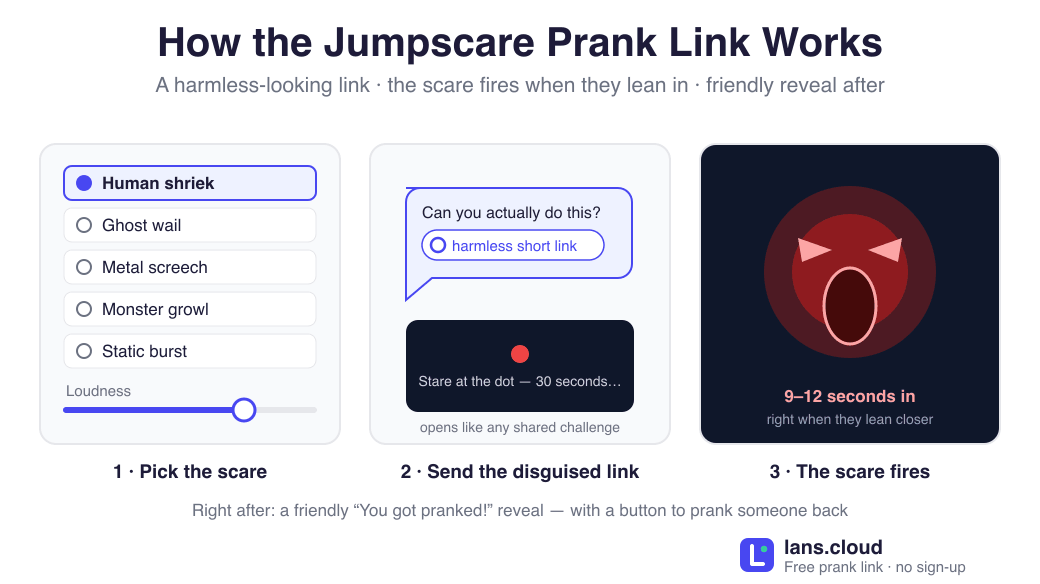
Every jumpscare prank lives or dies on one thing: the victim must not suspect anything. That is why this tool hands you a disguised short link— no "jumpscare", "scare", or "prank" anywhere in the URL your friend sees in the chat. They open what looks like any shared link, land on something genuinely absorbing (a staring challenge, an optical illusion, a riddle with a countdown), and a few seconds later the scare gets them — right when they lean in.

The moment after the scare matters just as much. Instead of a dead end, your friend immediately sees a friendly "You got pranked!" screen that explains the joke — and offers them a button to prank someone else. The best reaction to this prank is your friend sending it onward within the minute.

Built to Startle, Not to Harm

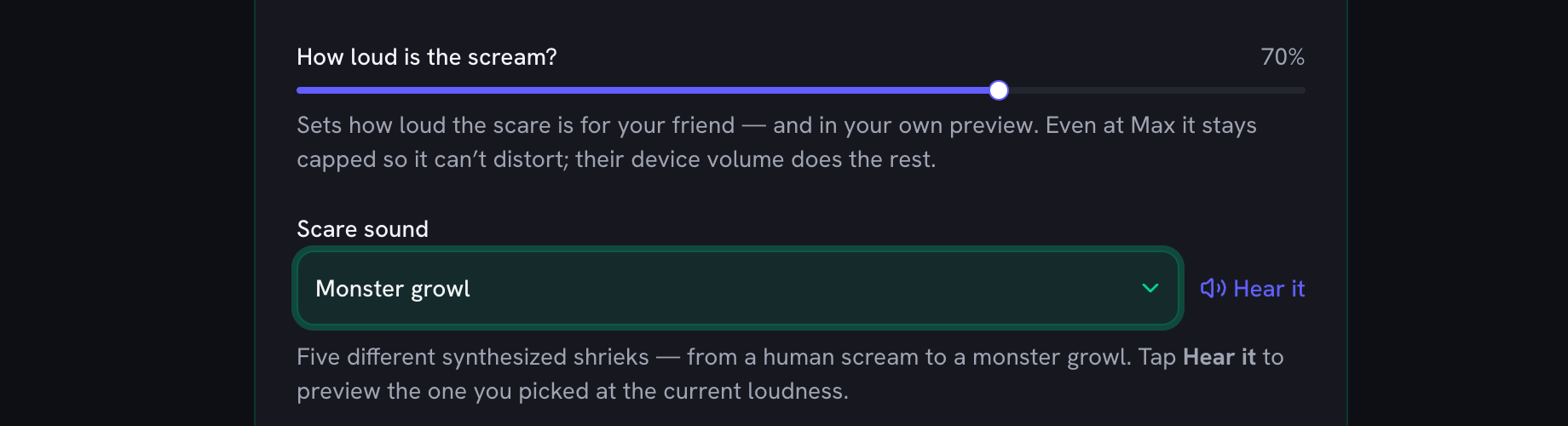
Plenty of scary links on the internet are genuinely nasty — strobe effects, ear-splitting audio, sketchy downloads. This one is a plain web page with three deliberate safety choices: no flashing or strobe effects (the scare is a single image), a volume-capped, synthesized scream that cannot blow out headphones, and a hard two-second limit before the reveal takes over. Nothing installs, nothing records, and there are no jump-scare chains or locked pages — one scare, one laugh, done.

Picking the Right Pretext

The three pretexts absorb different kinds of friends. The red dot stare is the classic — anyone competitive will lock eyes with it. The spinning illusion works on the curious. The impossible riddle is the strongest for group chats, because the fake 15-second countdown keeps everyone silently waiting for an answer that never comes. Preview each one on yourself first — you will know within seconds which one your friend falls for.

More Pranks for the Same Group Chat

A jumpscare is the opener. For the friends you see in person, try the mind reading prank (you secretly type the answer while everyone watches), the fake lie detector, or a coin flip that always lands on heads. The full collection lives on the prank & gag tools page.
The three pretexts and their timing

PretextWhat your friend seesScare after
Stare at the dotA red dot on a dark screen: “Stare at the dot for 30 seconds without blinking.”~12 seconds
Optical illusionA slowly spinning spiral: “Keep watching the center — the illusion appears after a few seconds.”~10 seconds
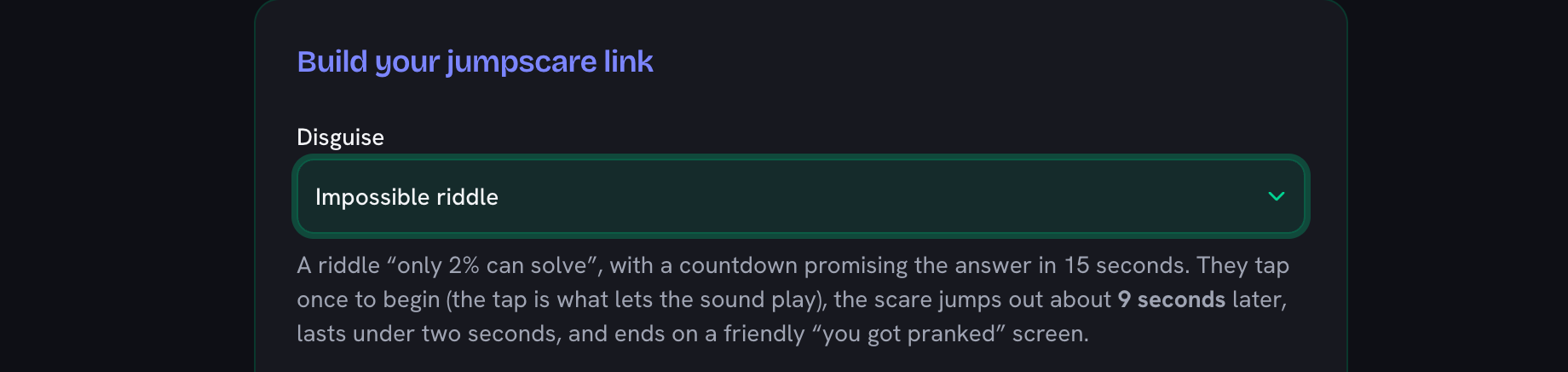
Impossible riddleA riddle “only 2% can solve”, with a countdown promising the answer in 15 seconds.~9 seconds

Timing comes from the same configuration the prank runs on. The scare itself always ends after 1.6 seconds, straight into the friendly reveal.

Frequently Asked Questions

How do I send a jumpscare link to a friend?

Pick a pretext above (the dot stare, the optical illusion, or the impossible riddle), hit "Copy disguised link", and paste it into any chat — WhatsApp, Discord, iMessage, anything. The link looks like a plain short link, your friend opens it, gets absorbed for a few seconds, and the scare jumps out.

Is the jumpscare link safe to open?

Yes. It is a normal web page on lans.cloud: nothing downloads, nothing installs, no camera or microphone access, and nothing is recorded. It was also deliberately built without strobe or flashing effects, the scream is volume-capped, and the scare lasts under two seconds before a friendly "you got pranked" screen explains the joke.

Why does the link not say "jumpscare" in it?

A URL like /jumpscare-prank would spoil the joke in the chat preview. The copy button gives you a disguised short link instead (like lans.cloud/s/…), which shows nothing scary until it is opened. This page is where you build the link; the short link is what you send.

Does the jumpscare prank work on phones?

Yes — phones are where it works best, since most links get opened from chat apps. The pretext, scare, and reveal all fill the phone screen. One note: if the phone is on silent, the scare is visual only, which still lands.

Who should I NOT send a scare prank to?

Skip anyone with a heart condition, epilepsy concerns (there are no flashing lights here, but be considerate), serious anxiety, or anyone holding a hot coffee. A good jumpscare victim is a friend who pranks you back — that is the whole fun.

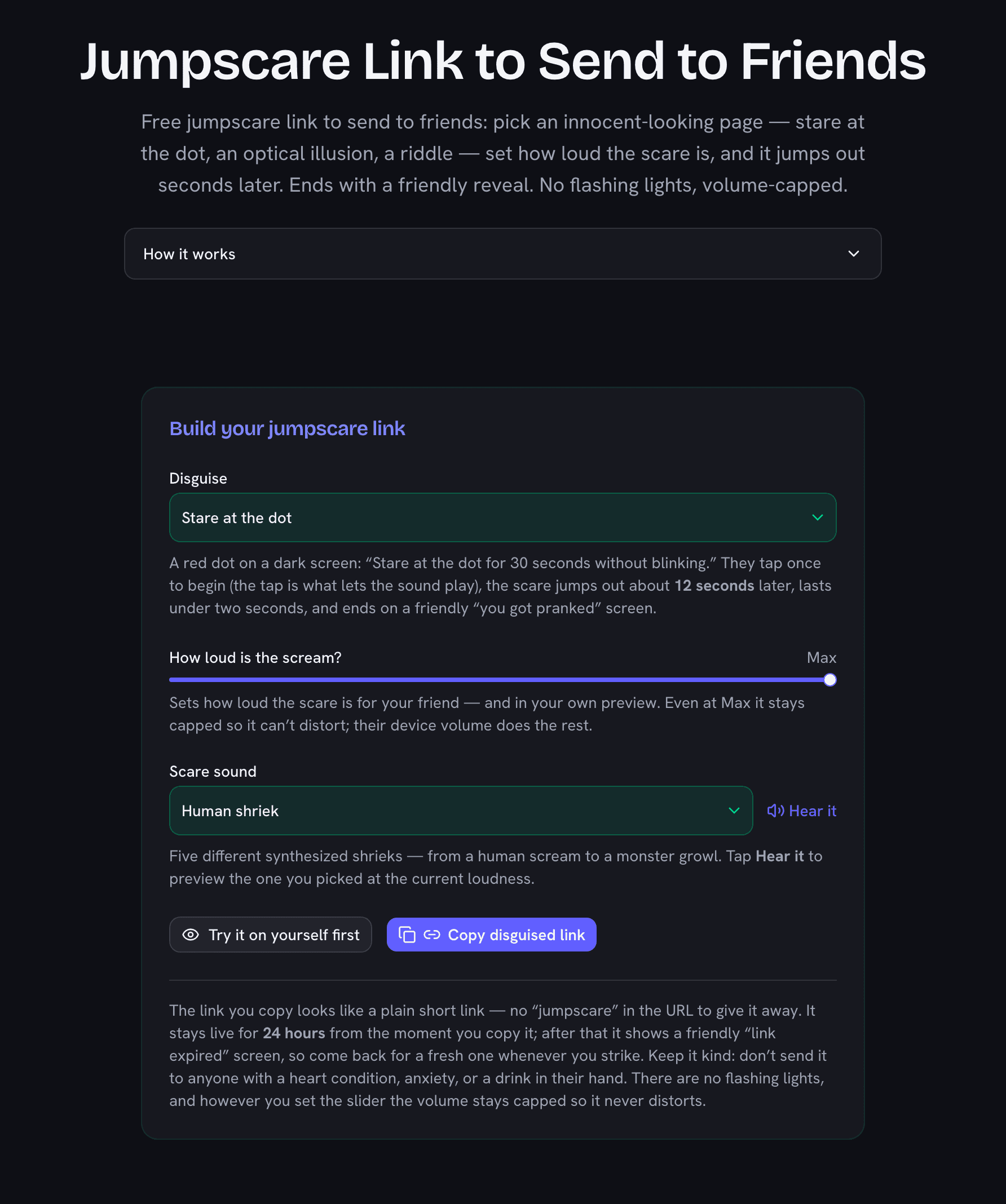
Jumpscare prank link builder showing the three pretext options and the copy disguised link button
Pick a pretext, preview it on yourself, then copy the disguised short link — the URL never spoils the joke.