lans.cloud Tools

Practice Your Locker Combination Online

Practice your locker combination online on a virtual Master-style dial: guided steps that explain every mistake, a no-hints test mode, and a timed challenge. Your combo is saved only on your device — no app, works on school Chromebooks.

Quick answer

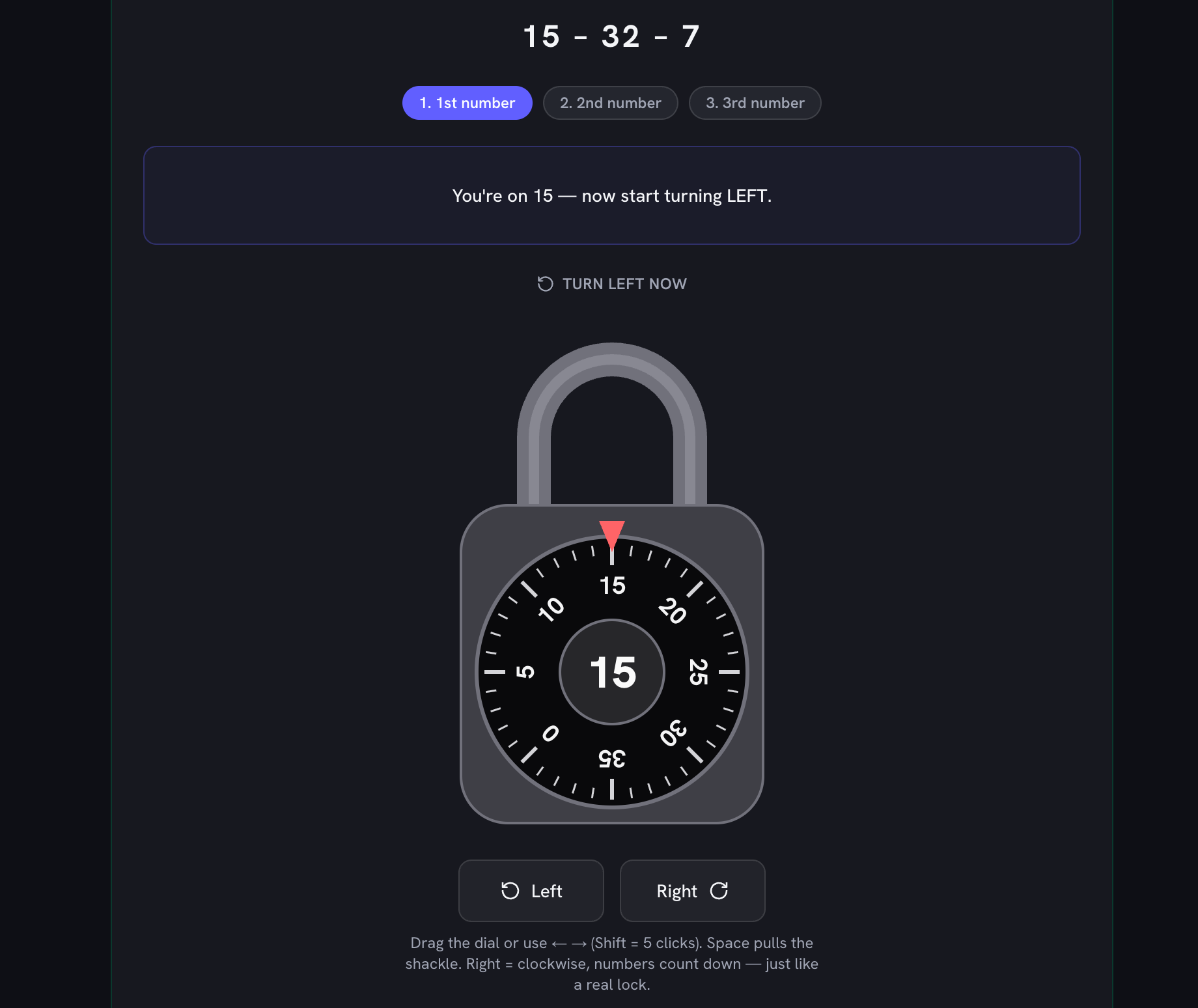
Right – left – right. Turn the dial right (clockwise) at least two full turns and stop on your first number; turn left one whole turn, passing your first number once, and stop on your second number; then turn right straight to your third number and pull the shackle. You can rehearse exactly that sequence on the virtual lock above with your real combination — it stays on your device.
Was this tool helpful?
Support this site

The Second Number Is Where Everyone Gets Stuck

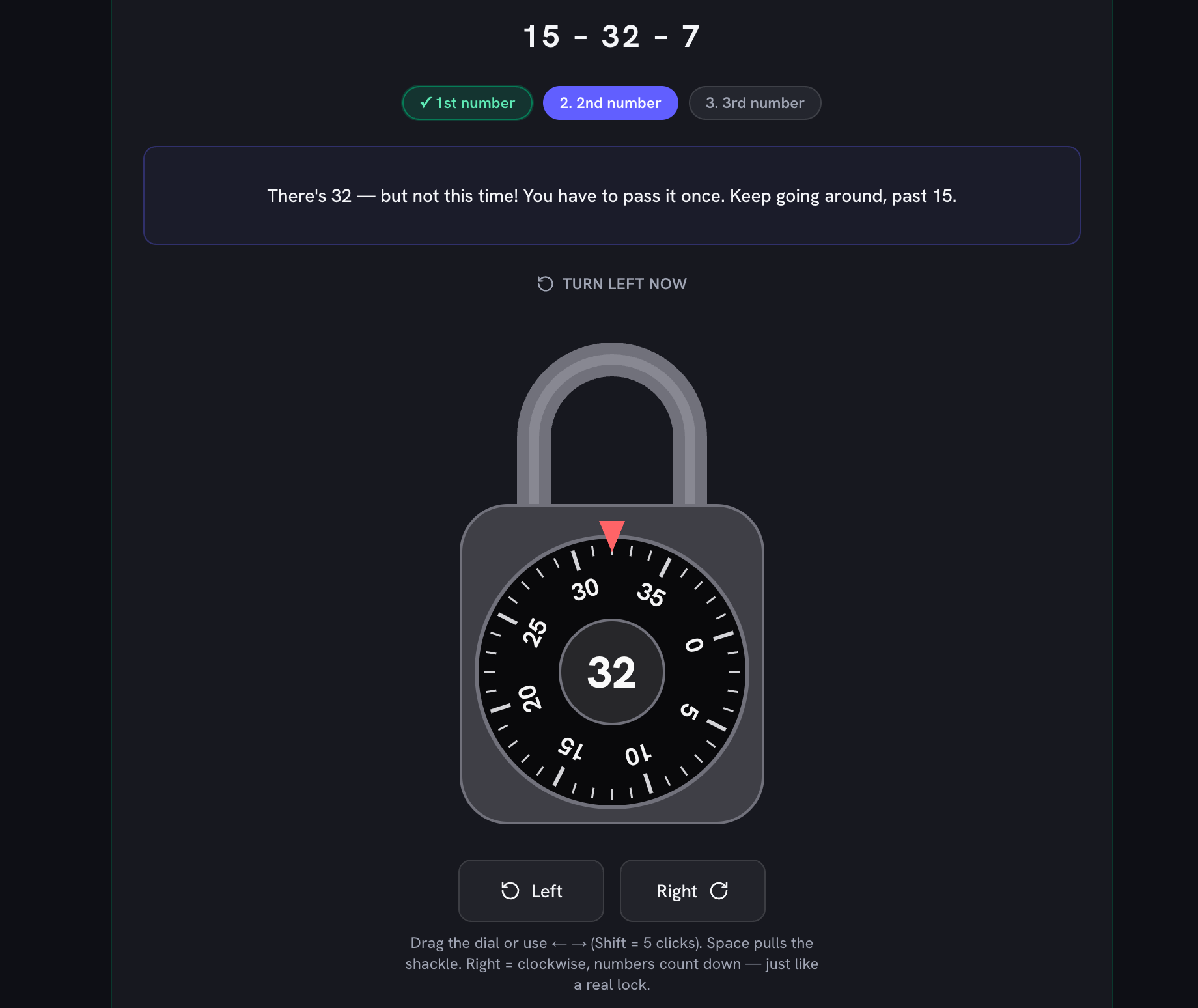
A combination padlock is three stacked wheels, and the right–left–right ritual exists to set them one at a time. The opening turns to the right drag all three wheels around together — that is why you need at least 2full turns before your first number, and why a lock that “doesn't work” usually just wasn't cleared. The famous trap comes next: turning left, your second number glides past the marker and instinct says stop. Not yet. You have to sail past your first number one full time and catch the second number on its secondappearance. Stop early and the middle wheel isn't set; the lock stays shut and nobody can tell you why. The guided mode here calls that moment out as it happens (“not this time — keep going around”), which is the correction a hallway full of first-day sixth graders never gets.

The Same Three Steps, Counted Out

How a 40-number combination lock opens

StepTurnHow farStop on
Step 1Right (clockwise)At least 2 full turns to clear the lock, then keep goingYour FIRST number
Step 2Left (counter-clockwise)One whole turn — pass your first number once — then keep goingYour SECOND number
Step 3Right (clockwise)Straight there — do NOT pass itYour THIRD number, then pull

The rules the virtual dial enforces — the same ones printed on the card that came with the lock.

Worked example: combination 15–32–7, dial starting at 0

StepTurnTravelStop on
Step 1Right (clockwise)2 full turns + 25 clicks (105 clicks in total)15
Step 2Left (counter-clockwise)1 full turn + 17 clicks (57 clicks in total)32
Step 3Right (clockwise)25 clicks (25 clicks in total)7

Computed by the same code that validates the dial above, so the counts can never drift from how the lock actually behaves.

Practice Before the First Day of School

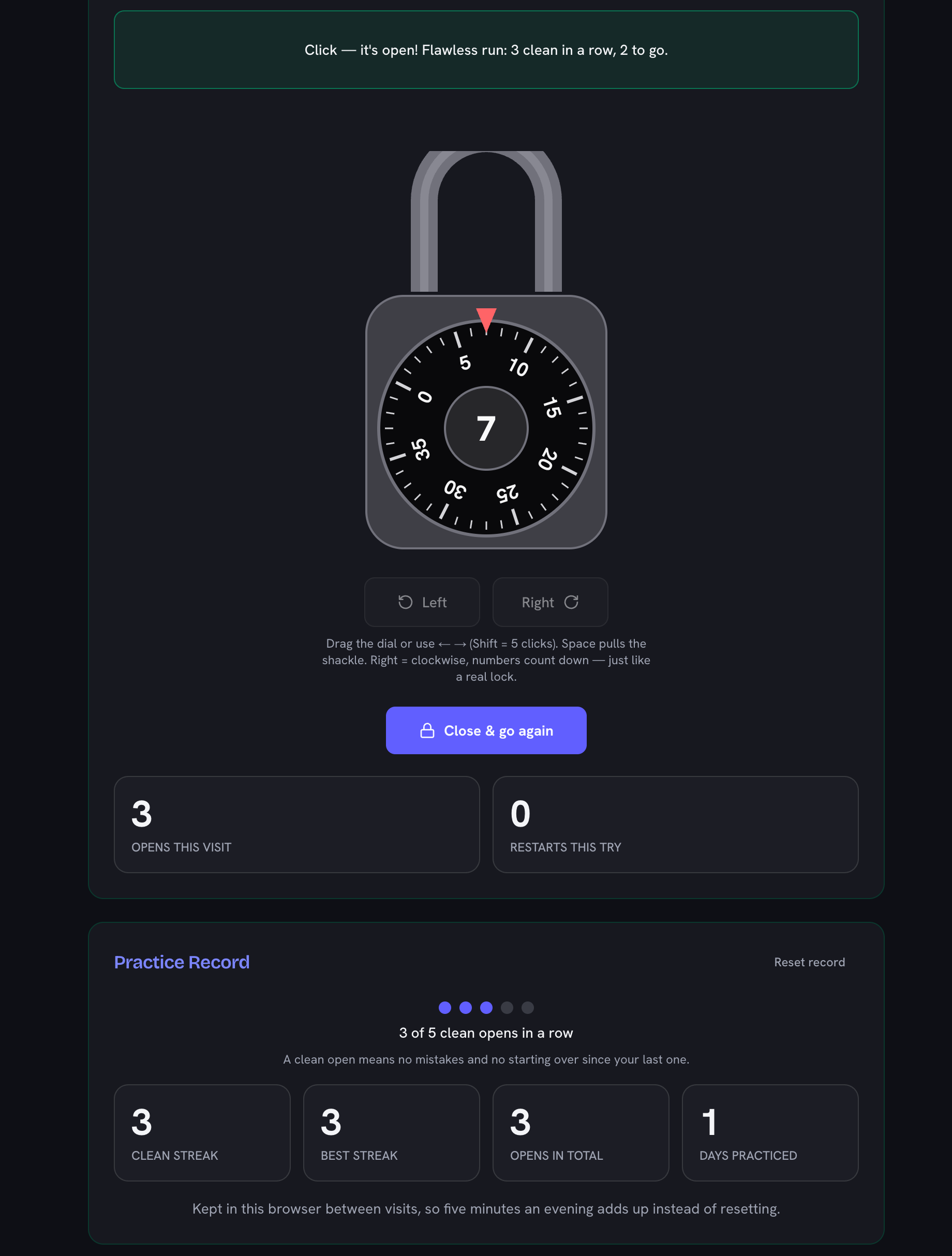
Most schools hand out locker assignments (and combinations) a few days before classes start — and then a nervous kid meets a Master-style dial for the first time in a crowded hallway with four minutes between bells. The fix is the same as for anything mechanical: reps. Type the real combination in, run guided mode until the sequence makes sense, then test mode (no hints, combination hidden) until it comes from memory, then the timed challenge until it happens in under 20 seconds without thinking. Five clean opens in a row is the usual sign it has moved into muscle memory. The combination is saved in your browser between visits, so a five-minute practice after dinner all week costs nothing to set up — and parents can rehearse alongside without touching the actual locker.

No App, Nothing to Install — Works on a School Chromebook

Locker-practice apps exist, but school devices usually can't install them. This is a plain web page: it runs in the browser on a Chromebook, an iPad, or a phone, with a draggable dial, real click-by-click numbers, and keyboard turning for trackpad users. Nothing is uploaded — the lock, the mistakes, and your best time all live on your device. It sits alongside our other back-to-school warm-ups: the multiplication timed test for math facts, the spelling test practice for Friday's list, and a classroom timer to pace the whole routine, all free and sign-up-free.
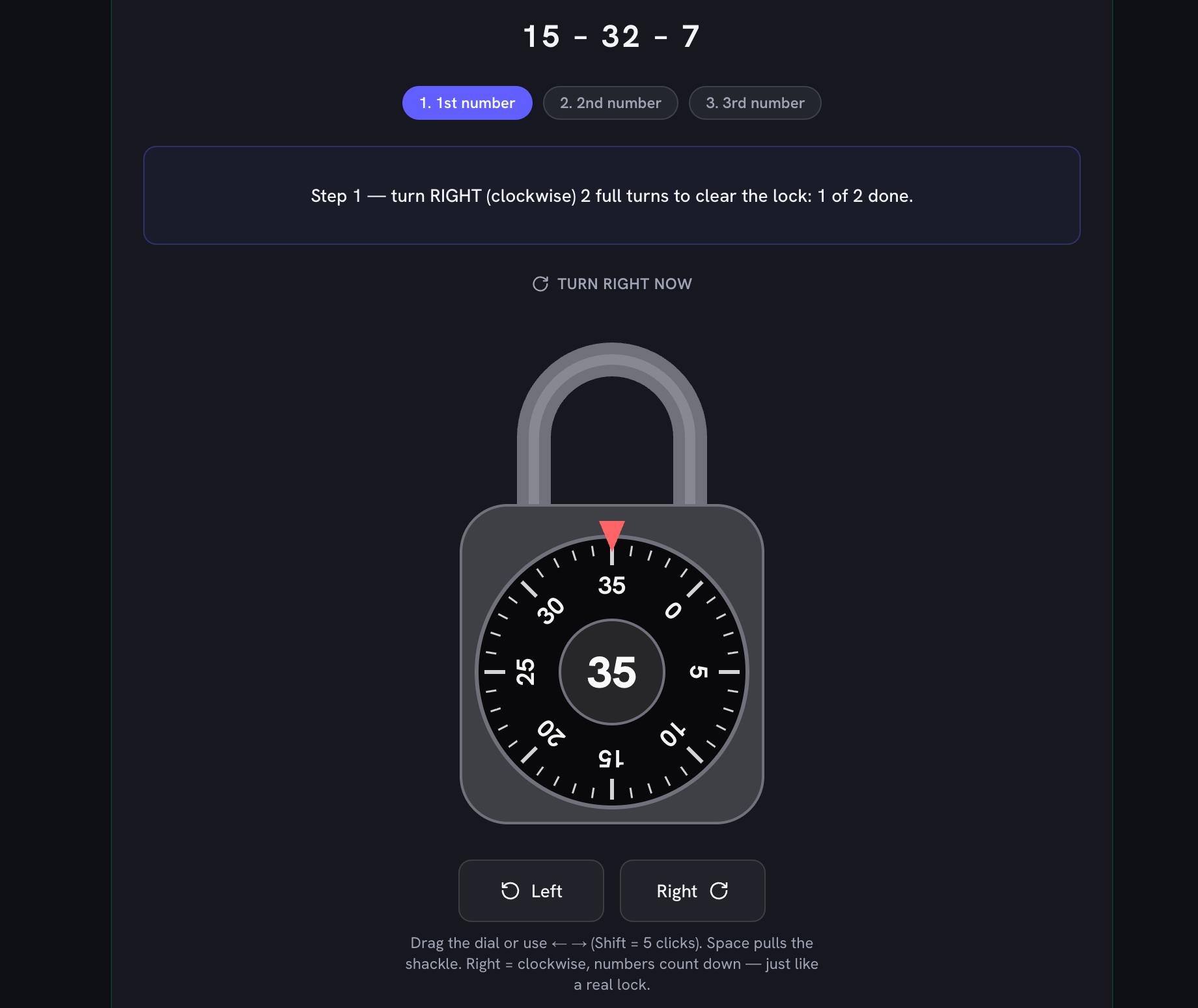
How to open a combination lock, step by step

The same sequence works on every standard 40-number school padlock — and it is exactly what the virtual lock above checks.

  1. Clear the lock

    Turn the dial right (clockwise) at least 2 full turns. This resets the wheels inside — skipping it is the number-one reason lockers refuse to open.

  2. Stop on your first number

    Keep turning right and stop exactly when your first number lines up with the marker at the top.

  3. Turn left past your first number to the second

    Turn left (counter-clockwise) one whole turn — you will pass your first number once — and keep going until you stop on your second number. Do not stop the first time your second number appears.

  4. Turn right to your third number and pull

    Turn right straight to your third number without passing it, then pull the shackle. Click.

Frequently Asked Questions

How do I practice my locker combination without a lock?

Use the virtual lock on this page: type in your real combination (it is saved only in your browser, never uploaded), then dial the on-screen wheel exactly like the real thing — right two full turns to your first number, left past your first number to the second, right to the third, pull. Guided mode walks you through each step and explains any mistake; test mode checks whether you can do it from memory.

How do you open a combination lock on a school locker?

Three steps, always right–left–right: turn the dial right (clockwise) at least two full turns and stop on the first number; turn left (counter-clockwise) one whole turn, passing the first number once, and stop on the second number; then turn right directly to the third number and pull the shackle open.

How many times do I turn right first?

At least two full turns before you stop on your first number — many schools teach three to be safe, and extra turns never hurt. The full turns "clear" the wheels inside the lock; skipping them is why a correctly-remembered combination still fails.

Why does my locker not open even with the right combination?

Almost always one of three mechanics mistakes: you did not make the full clearing turns right at the start, you stopped on your second number the FIRST time it came around instead of passing your first number once, or you dialed past a number and backed up (a real lock cannot rewind — you must start over). The guided mode on this page catches each of these the moment they happen.

What do I do if I turn past my number?

If you pass your first number while clearing, nothing is lost — just keep turning right until it comes around again. But if you overshoot your second or third number, backing up will not work on a real lock: start over from the two full right turns. Turning slowly on the last few numbers is the habit to build.

Does this work on a school Chromebook?

Yes. It is a normal web page — no app store, no download, no account — so it runs on school Chromebooks, iPads, and phones alike. You can drag the dial with a finger or trackpad, or use the arrow keys.

Is it safe to type my real locker combination in here?

Yes — the combination is stored only in your own browser (localStorage) so it is still there next visit, and it is never sent anywhere. Nothing about your lock leaves the device; you can also practice on a random combination instead.