lans.cloud Tools

Granny Square Pattern Generator

Free granny square color pattern generator. Shuffle round-by-round color combinations from curated yarn palettes, preview a whole blanket, download the chart.

Was this tool helpful?
Support this site

More tools

Take the Guesswork Out of Granny Square Colors

Every crocheter knows the moment: six skeins on the table, and no idea which order makes a square sing instead of clash. This granny square pattern generator solves the color half of the craft — pick a palette, choose how many rounds your squares have, and shuffle until a combination clicks. Each square guarantees no two adjacent rounds share a color, which is the single rule that keeps rounds readable.

The blanket preview is the feature that saves projects: twenty random squares from your palette shown side by side, exactly like a scrap-style blanket reads from across the room. Palettes that sparkle as a single square sometimes blur into mud at blanket scale — better to find out before you crochet forty of them.

From Screen to Hook

  1. Pick a palette — eight curated yarn-inspired sets, from 70s browns and oranges to jewel tones and calm monochromes.
  2. Set your rounds — 3 for join-as-you-go minis, 5 for the classic, 8 for big statement squares.
  3. Shuffle until the square and the blanket preview both please you.
  4. Save the chart — the PNG download and the round-by-round hex list travel to your project bag or phone.

Color Theory, the Crochet Way

A few rules of thumb baked into the palettes: warm sets (autumn, retro) read cozy and hide joining rounds well; high-contrast sets (jewel, rainbow) want a consistent final round to tie squares together — many crocheters run the last round in a single neutral across the whole blanket; and pastels benefit from one darker anchor round or the blanket washes out. If you join squares with a border color, imagine it as an extra final round when judging the preview.

Works Beyond Granny Squares

The round-color logic fits any concentric colorwork: corner-to-corner blocks, quilt patches, knitted mitred squares, even pixel-art coasters. Anywhere you need a pleasing random sequence of colors with no neighbors clashing, the shuffle button does the thinking.
How to make a granny square blanket pattern

Plan a whole blanket's colors before you pick up the hook.

  1. Pick a yarn palette

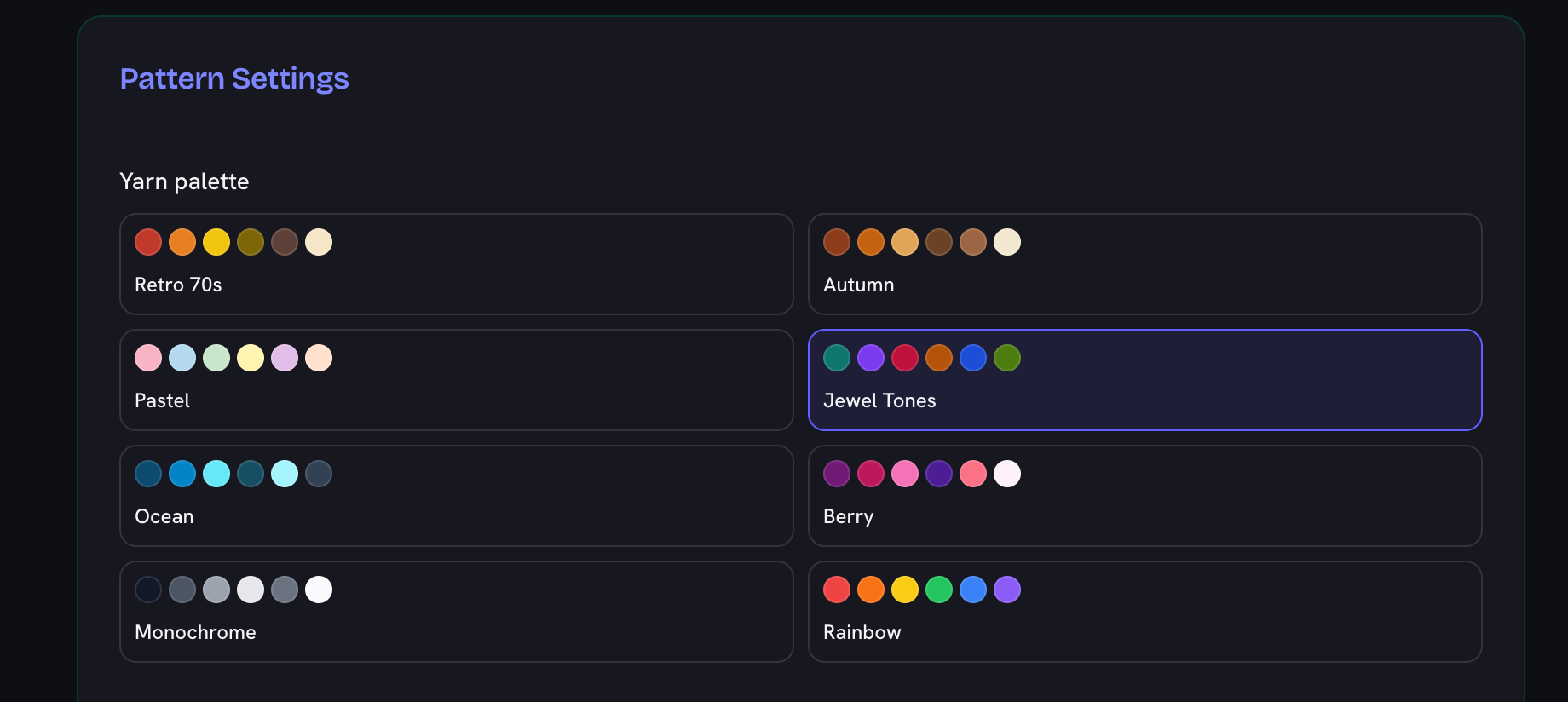
    Choose one of the eight curated palettes — retro 70s, autumn, pastels, jewel tones and more — to set the range of colors your squares draw from.

    The Yarn palette grid with eight swatch sets — Retro 70s, Autumn, Pastel, Jewel Tones, Ocean, Berry and more — and Jewel Tones selected
  2. Set the round count

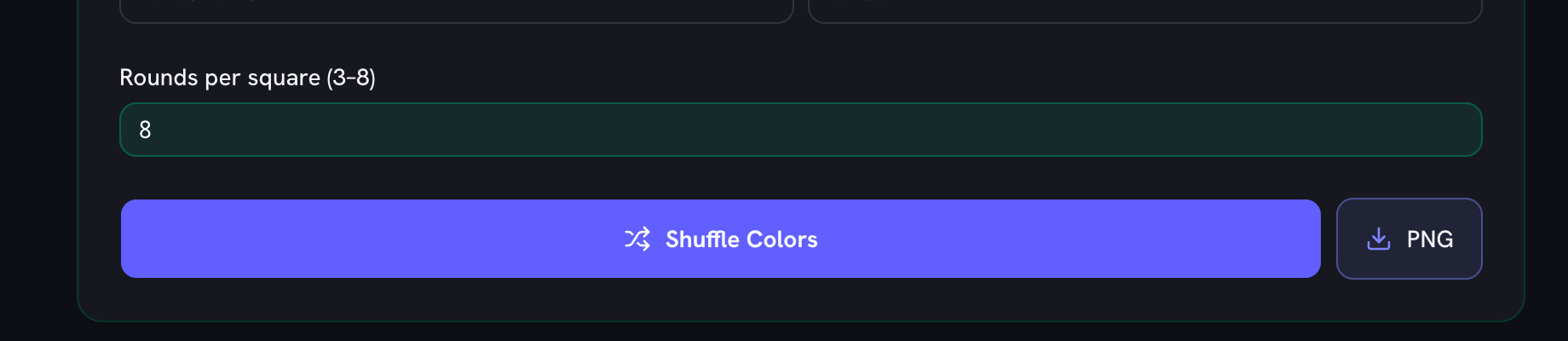
    Choose 3 to 8 rounds per square: 3 for join-as-you-go minis, 5 for the classic granny square, 8 for large statement squares where fewer are needed per blanket.

    The rounds-per-square field set to 8, above the Shuffle Colors button and the PNG download button
  3. Shuffle the colors

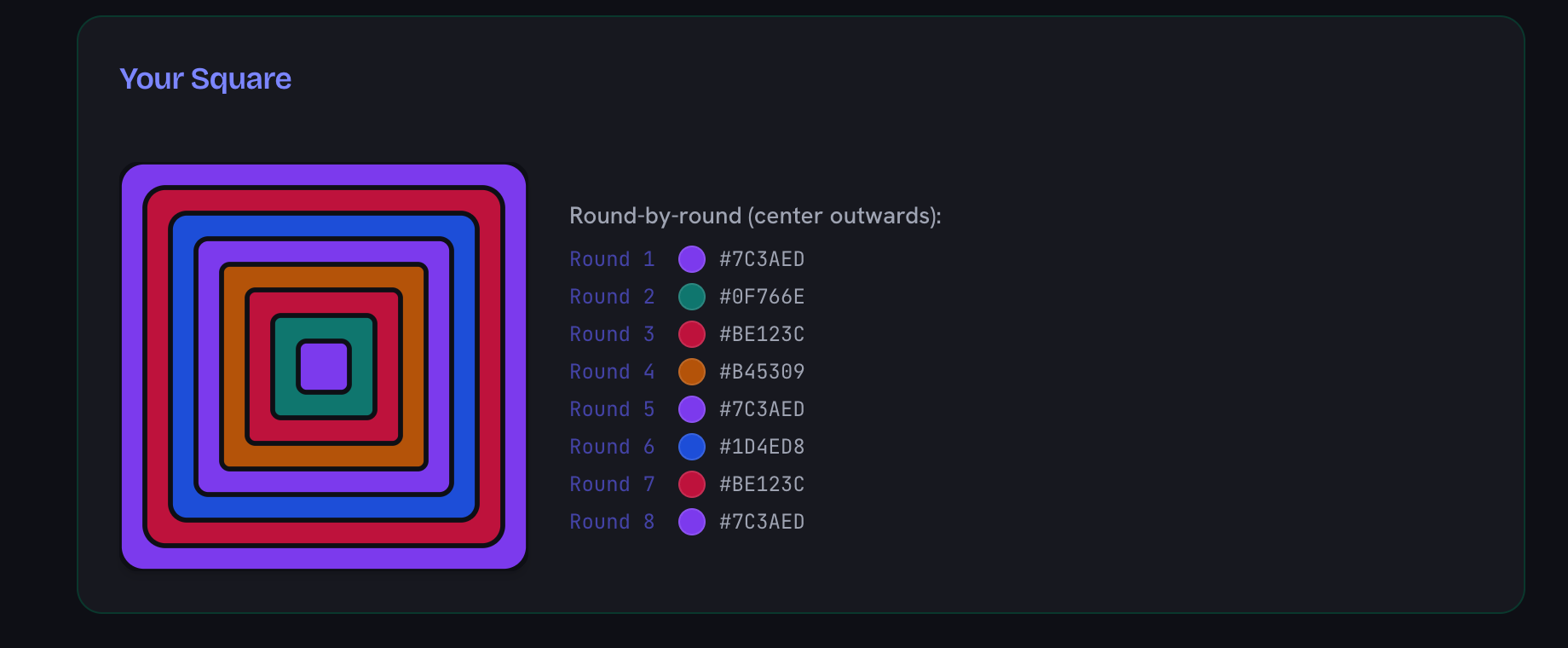
    Hit Shuffle to assign a color to each round, with no two touching rounds ever the same, until a combination clicks. The hex list beside the square is what you work from.

    A shuffled eight-round square in jewel tones beside its round-by-round list, each round numbered from the centre outwards with its hex code
  4. Check the blanket preview

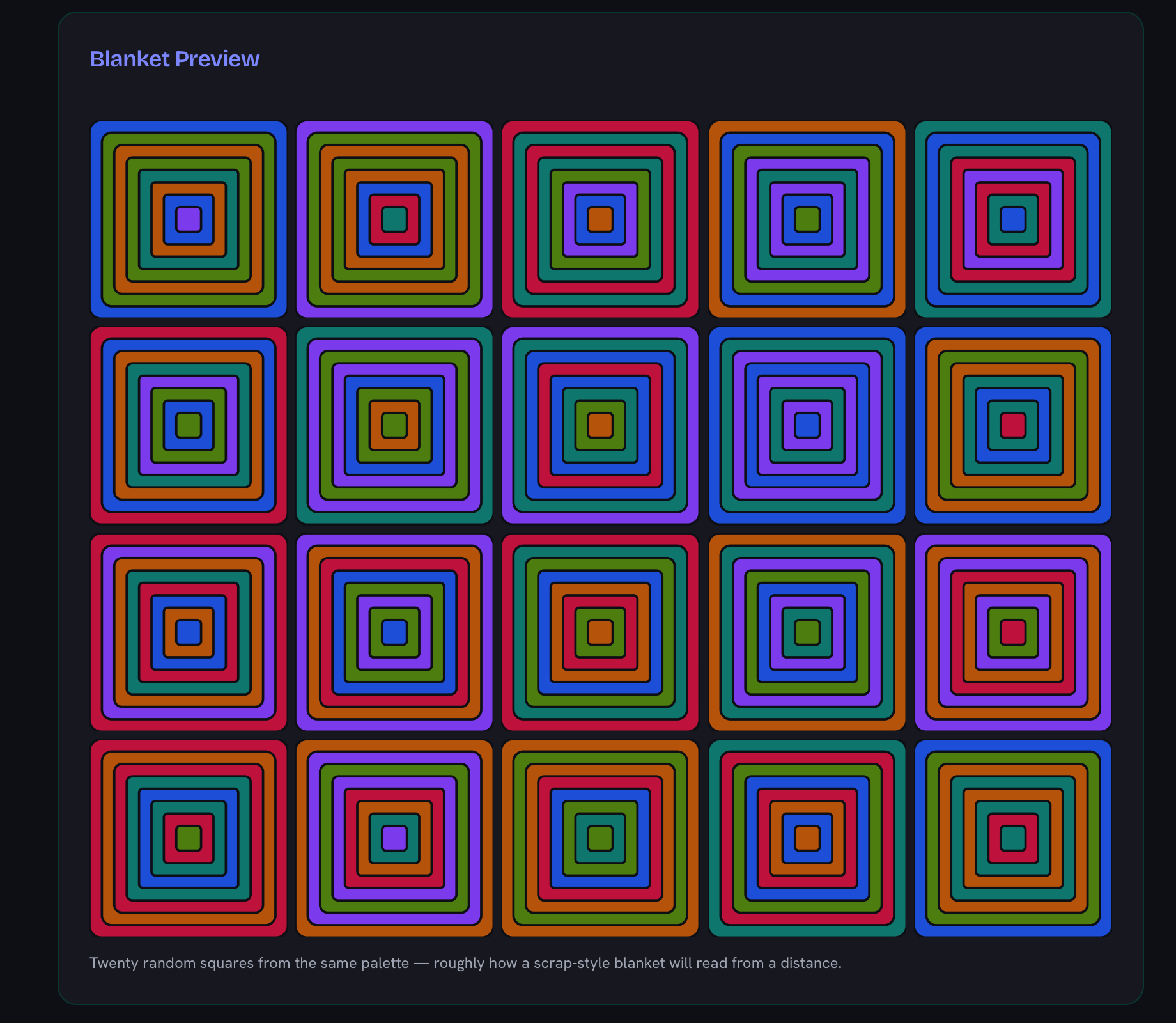
    Look at the twenty-square preview to confirm the palette still reads well at blanket scale — combinations that sparkle on one square can turn muddy across many.

    The blanket preview: twenty differently shuffled squares from the same jewel-tone palette laid out in a grid, showing how the colours read together
  5. Save the chart and crochet

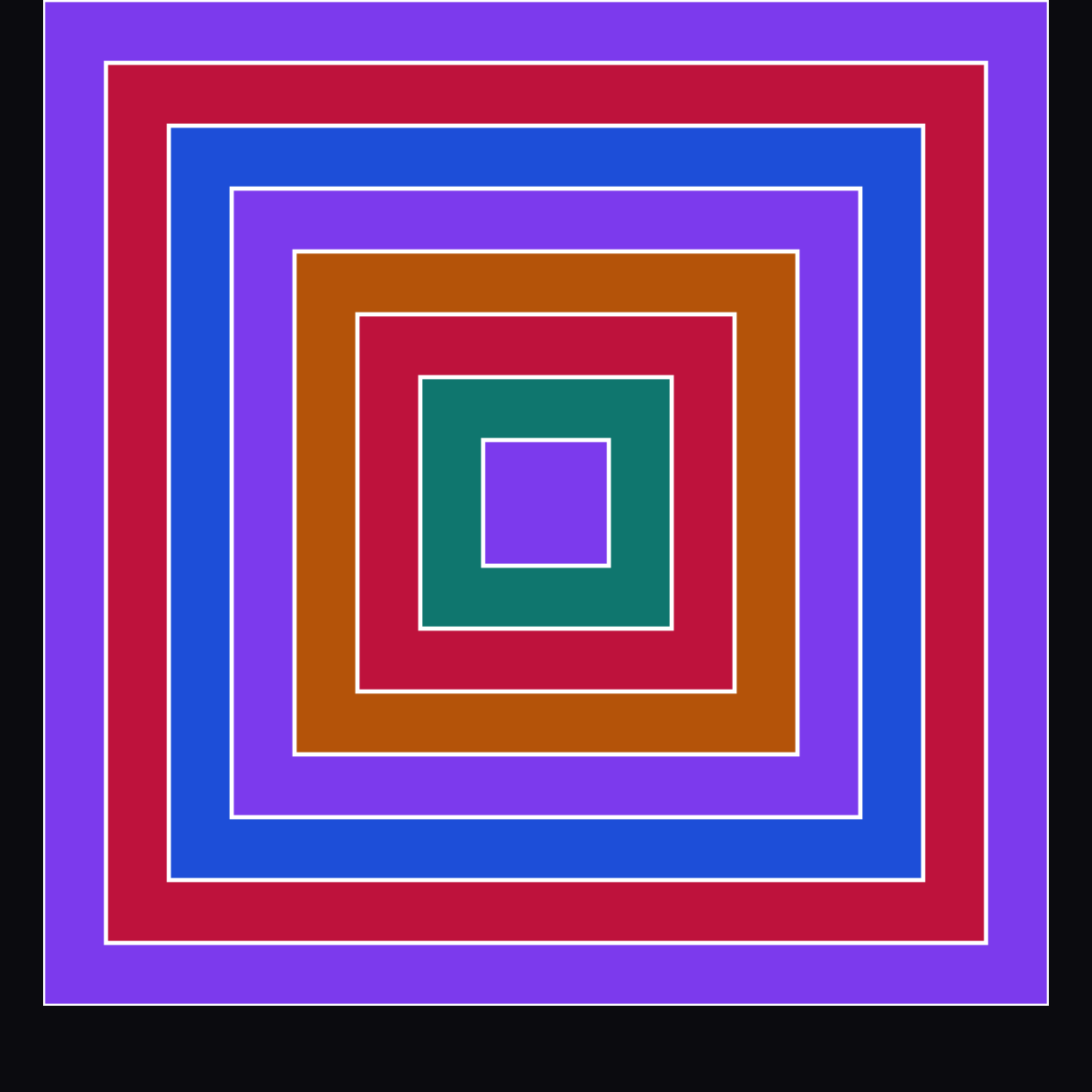
    Download the PNG or follow the round-by-round hex list, working each square from the center outwards, and take the chart to your project bag.

    The downloaded chart: the same eight rounds as concentric squares separated by white lines, from the violet outer round to the violet centre

Frequently Asked Questions

How do I pick colors for a granny square blanket?

Choose one of the eight yarn palettes (retro 70s, autumn, pastels, jewel tones and more) and hit Shuffle — the generator assigns a color per round with no two touching rounds the same. The blanket preview shows twenty random squares together, which is the honest test: palettes that look great on one square can turn muddy as a blanket.

Can I follow the pattern while crocheting?

Yes — the round-by-round list shows each round from the center outwards with its color swatch and hex code, and the PNG download gives you a chart to keep on your phone or print for your project bag.

How many rounds should a granny square have?

Classic squares run 4–6 rounds; three makes small join-as-you-go squares, and eight gives large statement squares where fewer are needed per blanket. The generator supports 3 to 8 rounds and re-randomizes instantly when you change it.

Do the colors match real yarn?

The palettes are built around common yarn ranges (think warm cottons and worsted acrylics), and every round lists its hex code — take those to a yarn color card or an online matcher to find the closest skeins in your preferred brand.

Is the generator free? Does it save my settings?

Completely free, no sign-up. Your palette and round count are remembered in your browser, and everything runs locally — nothing is uploaded.

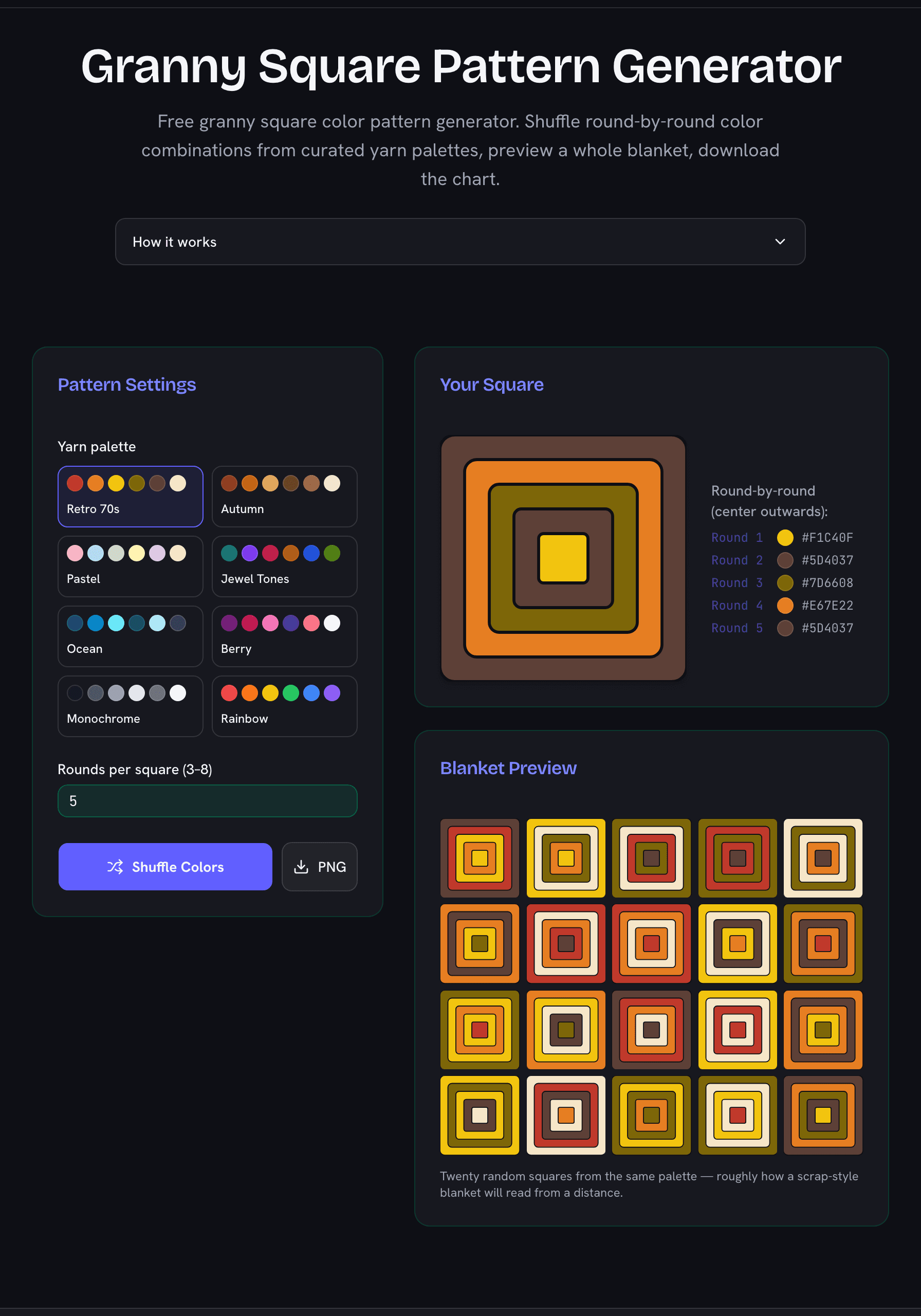
Granny square pattern generator showing a five-round square in a retro 70s palette with round-by-round hex codes and a twenty-square blanket preview
Shuffle a palette, read the rounds from the center out, and preview how a whole blanket reads.