lans.cloud Tools

Word & Character Counter

Free word counter and character counter. Live counts for words, characters, sentences, paragraphs, reading and speaking time — plus a keyword density panel showing your most-used words.

Was this tool helpful?
Support this site

More tools

How to count the words and characters in your text

Everything runs in your browser — nothing is uploaded, and your draft is still here when you come back.

  1. Paste or type your text

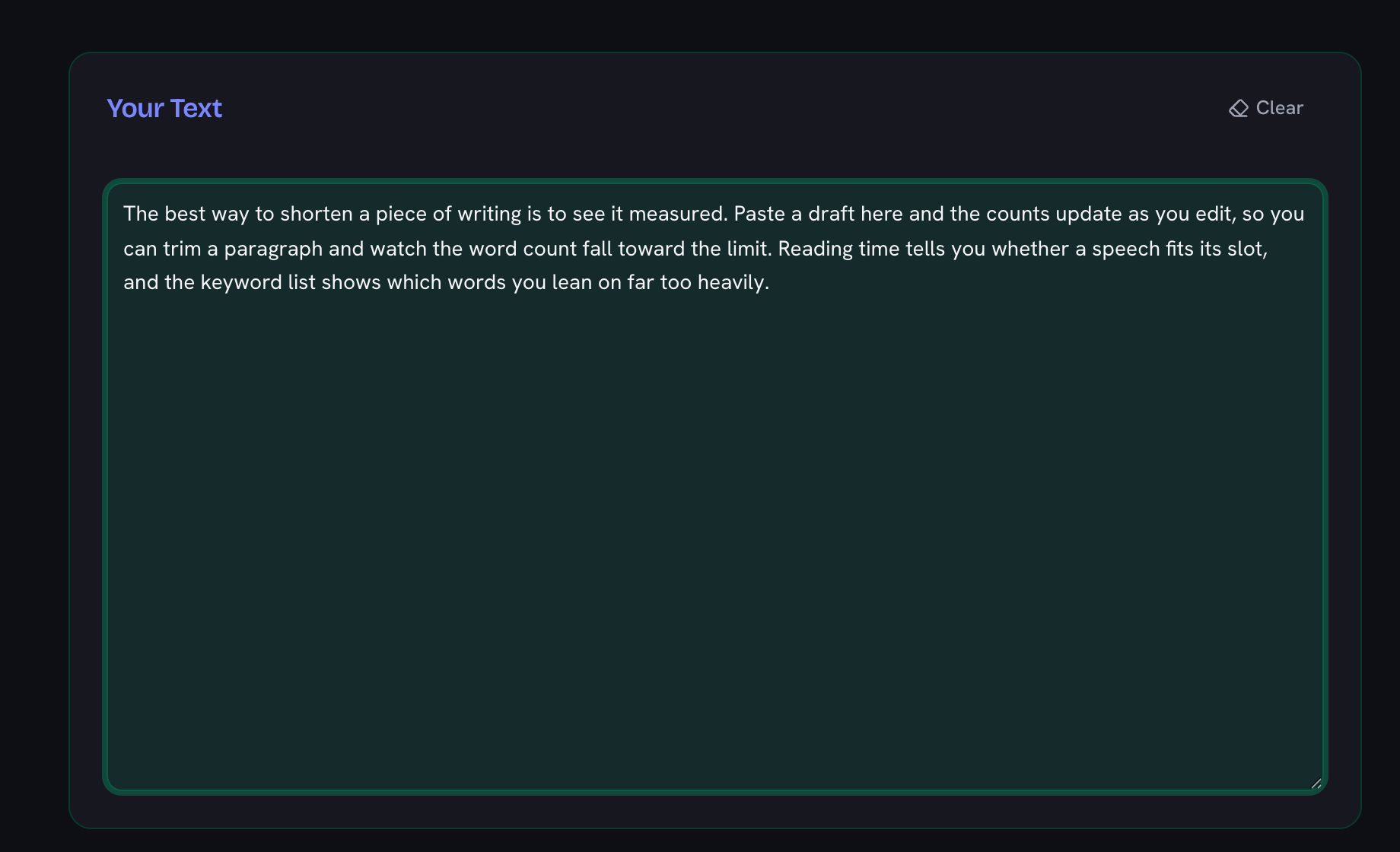
    Drop the whole document into the text box. Every count updates live as you type — there is no "calculate" button to press, and nothing is uploaded anywhere because the counting happens in your browser.

    The word counter text box with a short paragraph pasted into it, ready to be measured
  2. Read the counts you need

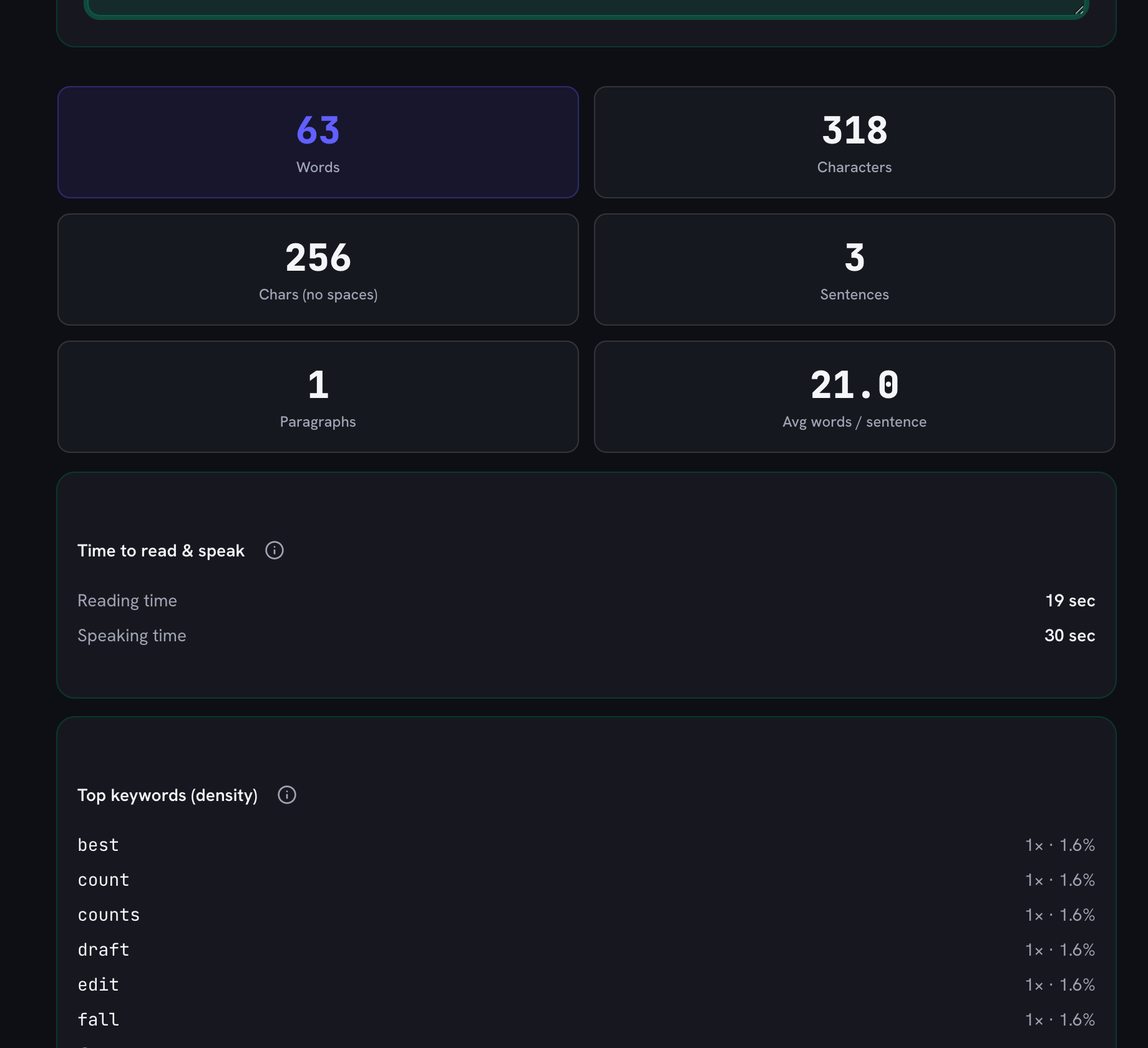
    Words is highlighted because it is what most limits are set in. Characters and characters-without-spaces sit beside it for social-media and form limits, along with sentences, paragraphs, and average words per sentence.

    The word counter statistics panel showing 63 words and 318 characters, plus sentences, paragraphs, average sentence length, reading and speaking time, and the top keyword densities
  3. Check how long it takes to read or say

    The reading and speaking estimates tell you whether a speech fits its slot or an article fits its target length, using roughly 200 words a minute silent and 130 spoken.

  4. Tighten the writing with keyword density

    The top-keywords list shows which words you lean on most, as a share of the whole text and ignoring filler like "the" and "and". A word far ahead of the rest usually means repetition worth editing out.

  5. Come back later

    Your text is saved in this browser automatically, so closing the tab does not lose the draft. Use the Clear button when you want to start on something else.

What is the Word & Character Counter?

Paste or type any text and this free counter instantly reports everything you need to know about its length: total words, characters with and without spaces, sentences, paragraphs, average sentence length, and estimated reading and speaking time. All counts update live as you edit, so you can trim or expand your text to hit an exact target.

Everything happens in your browser — nothing is sent to a server, which makes the tool safe for confidential drafts, unpublished work, and client copy. Your text is also remembered locally between visits, so an accidental tab close never loses a draft.

Who Uses a Word Counter?

  • Students: hit essay and assignment word limits precisely instead of guessing from page counts.
  • Writers and editors: track article length, chapter targets, and submission limits for publications.
  • Marketers: keep title tags under ~60 characters, meta descriptions under ~160, and ads inside strict copy limits.
  • Speakers and creators: use the speaking-time estimate to fit a speech, presentation, or video script into its time slot.
  • Social media users: check character counts against platform limits before posting.

Character and Word Limits Cheat Sheet

The limits people check most often — write toward any of them with the live counter above:
Common length limits and targets

WhereLimit / targetCounted in
X (Twitter) post280characters
Instagram caption2,200characters
SMS message160 per segmentcharacters
Google title tag~60 displayedcharacters
Meta description155–160 displayedcharacters
LinkedIn post3,000characters
YouTube title100characters
College essay (Common App)650words
Five-minute speech~650words
Double-spaced page~250–300words
Novel chapter~1,500–5,000words

Display limits (like Google titles) are approximate — platforms truncate by pixels, not characters.

How the Counts Work

Words are runs of characters separated by whitespace. Sentences are detected by terminal punctuation (periods, question marks, exclamation points, and ellipses), and paragraphs by blank lines between blocks of text. Reading time assumes about 200 words per minute and speaking time about 130 — adjust mentally if you read faster or present slower.

Frequently Asked Questions

Does the counter update while I type?

Yes. Every statistic — words, characters, sentences, paragraphs, and time estimates — recalculates live on each keystroke, with no button to press.

Is my text uploaded anywhere?

No. The counter runs entirely in your browser; your text never leaves your device. A local copy is kept in your own browser storage so your draft is still there if you close the tab.

What counts as a word?

Any run of visible characters separated by spaces, tabs, or line breaks — the same rule word processors use. Hyphenated terms like "state-of-the-art" count as one word.

How is reading time calculated?

Reading time assumes roughly 200 words per minute (a typical adult silent-reading pace) and speaking time roughly 130 words per minute — the pace of a clear presentation. Both are estimates to plan speeches, essays, and videos.

Can I check character limits for social media?

Yes — the live character count (with and without spaces) is exactly what you need for X/Twitter posts, meta descriptions, SMS messages, college essays, and ad copy limits.

How do I check keyword density?

The Top keywords panel ranks your most-used content words automatically with their counts and density — the count divided by ALL words, the way SEO checkers report it. Common function words (the, and, of…) are filtered out of the ranking so you see the words that actually characterize your text; writers use it to spot overused words, SEO writers to check a target keyword sits in a sane 1–2% range.

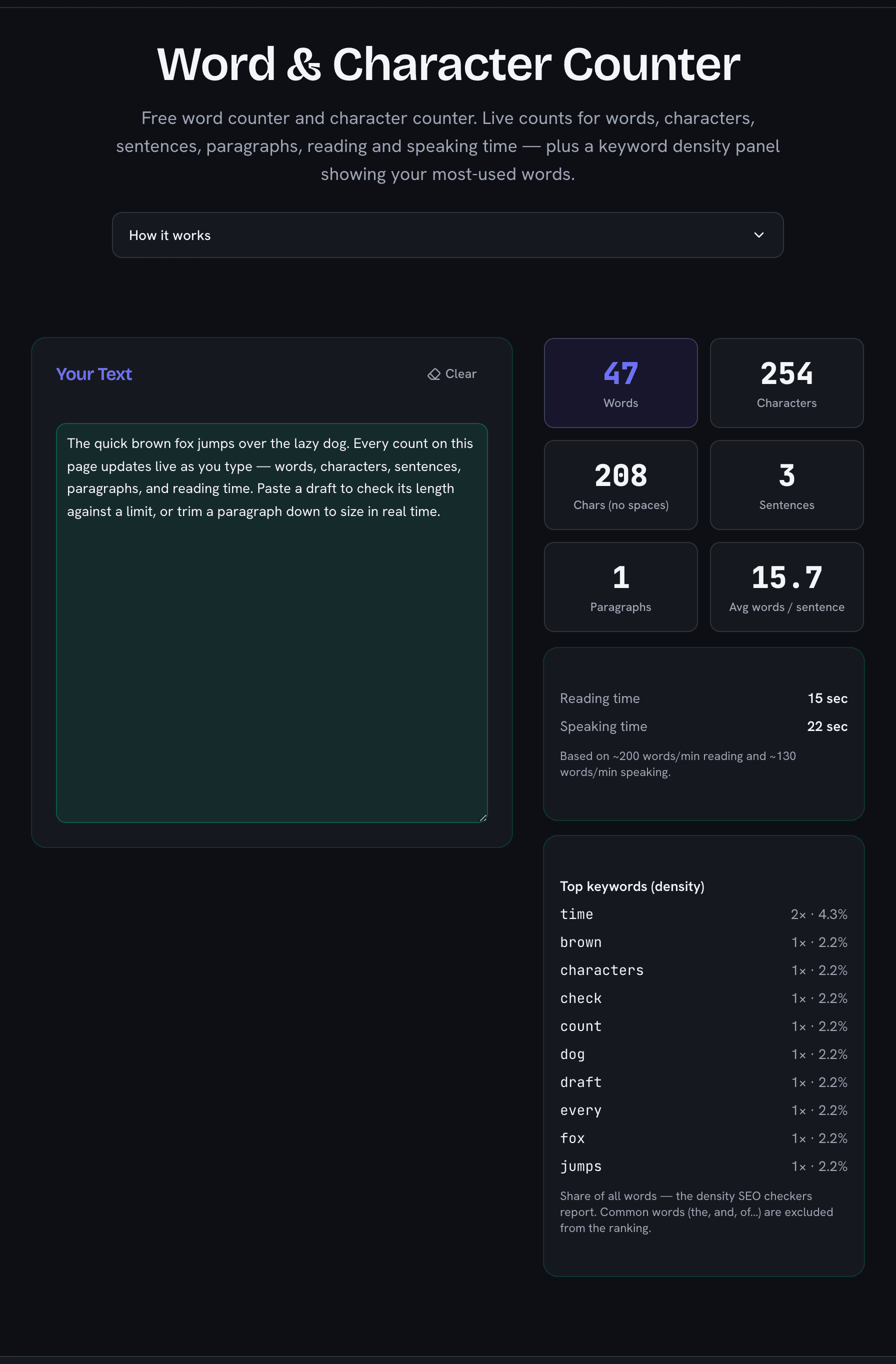
Word and character counter showing live counts for words, characters, sentences, and reading time
Every statistic updates live as you type — words, characters, sentences, and time estimates.